


Math resources
Technology for teachers

TI-84 Evo graphing calculator
Meet the next generation of classroom math with the TI-84 Evo
Every calculator includes a four-year license of the TI-84 Evo online calculator so teachers can project live on a classroom screen, walk through problems step by step, and keep every student's eye on the same solution.
Equip your whole class. Purchase a TI-84 Evo Teacher Pack (10 handhelds) and your school receives 50 FREE four-year online calculator licenses, giving every student seamless access in class and beyond.
Explore the TI-84 Evo »
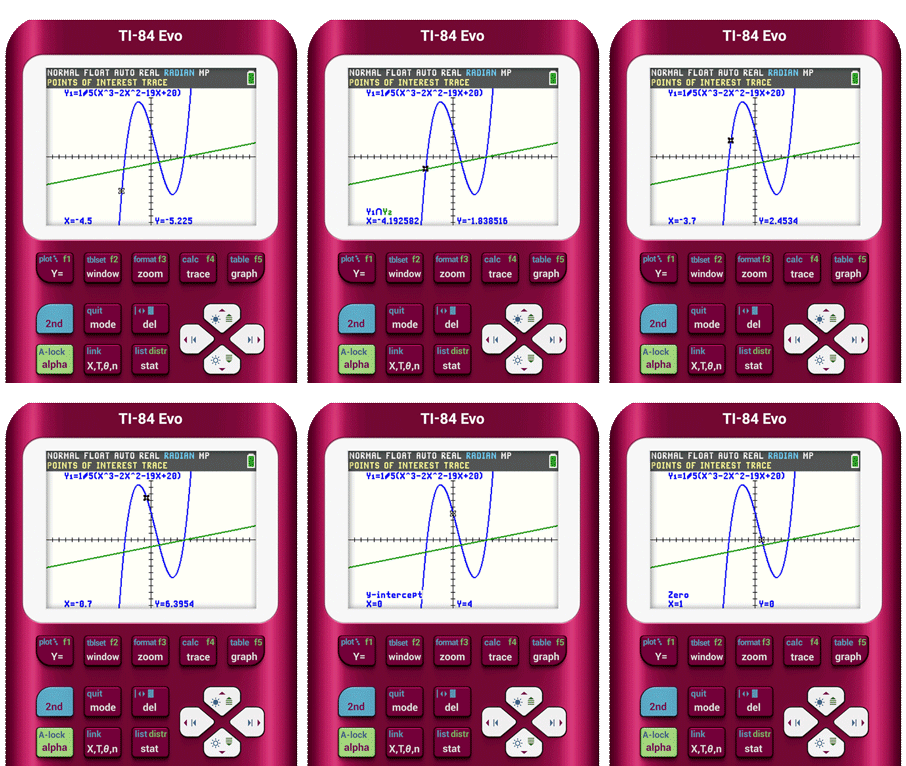
New! Points of Interest Trace
The points of interest are highlighted as you trace a function, making analysis of functions easier and more interactive.
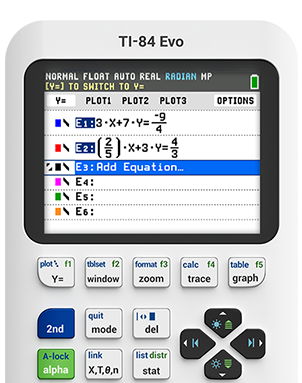
Redesigned Lines and Conics App
Add equation templates, trace function intersections, and explore relationships across multiple conics in an instant.
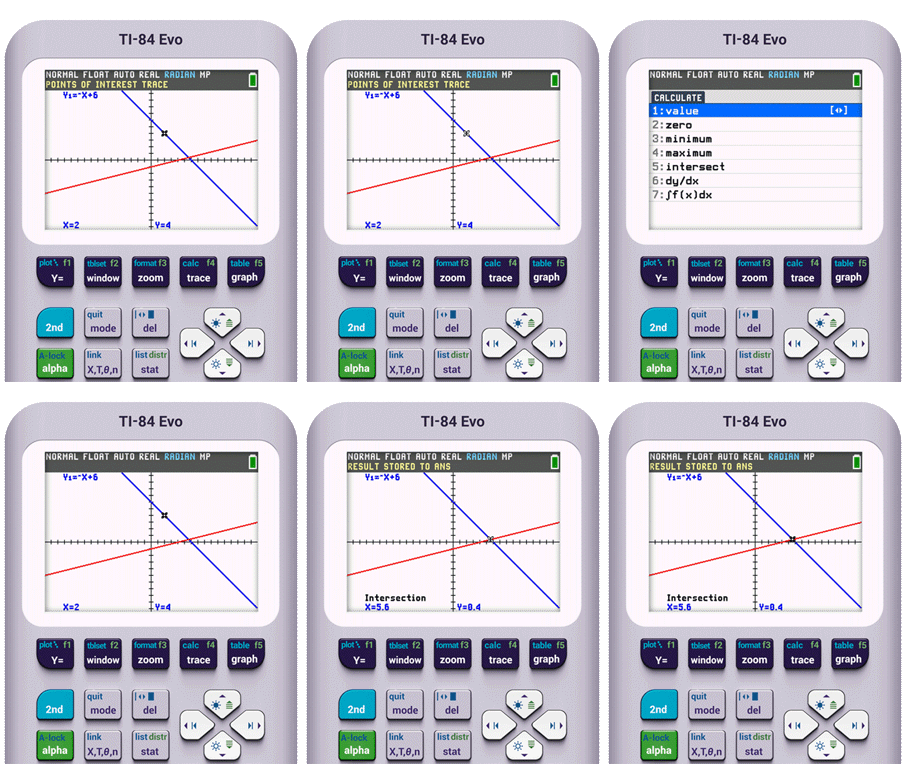
Faster Points of Intersection
When dealing with just two functions, skip the setup and jump straight to the intersection — fewer steps, faster results.

TI-84 Plus CE graphing calculator
The trusted classroom standard — colorful, familiar, and exam-ready
Every calculator includes a four-year license of the TI-84 Plus CE online calculator so teachers can project live on a classroom screen, walk through problems step by step, and keep every student's eye on the same solution.
Explore the TI-84 Plus CE »
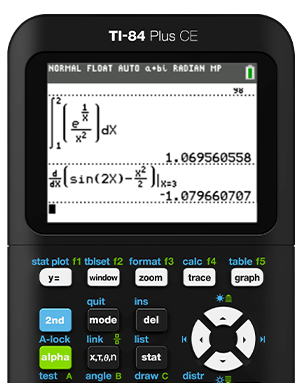
Access templates that make math easy to see
Navigate to the calculator’s built-in math templates that enable students to enter expressions, symbols, and fractions exactly the way they look in math textbooks.
Press the Apps key
to do more
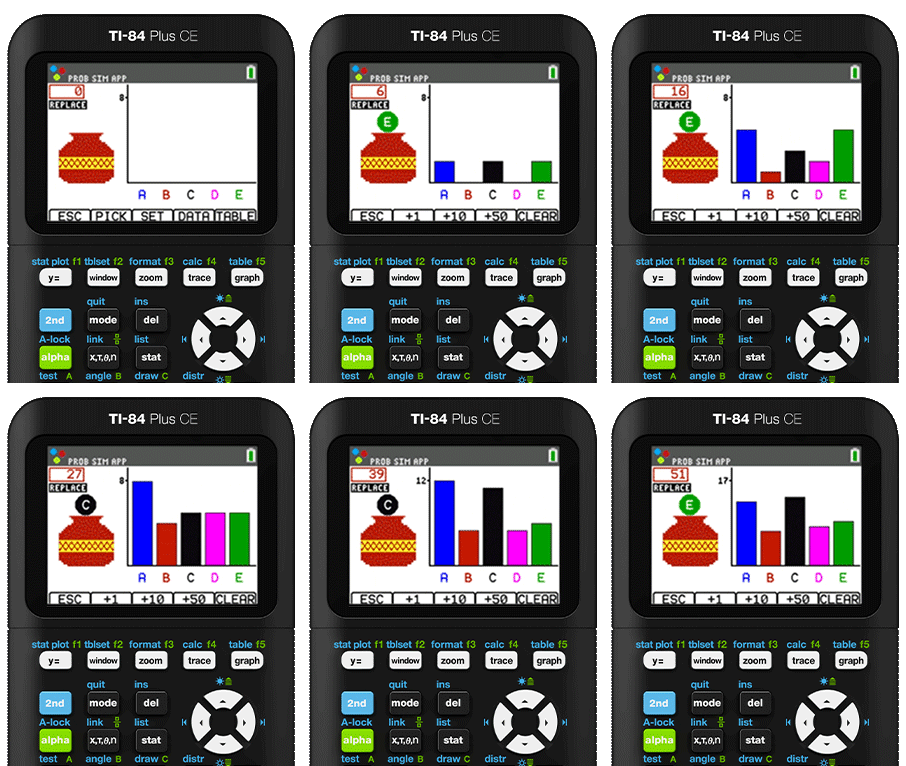
With a press of the button, students can pull up a menu full of apps that expand the ways the TI-84 Plus CE can help math students visualize, learn, and understand various concepts.
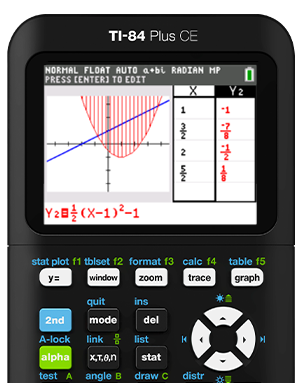
Use split-screen mode to see more
Students are able to view multiple representations — graphical, numerical, and expression — to help better visualize and understand the connections and comparisons in graphs, tables, and more.
TI-Nspire™ CX II graphing calculator
Grasp the math
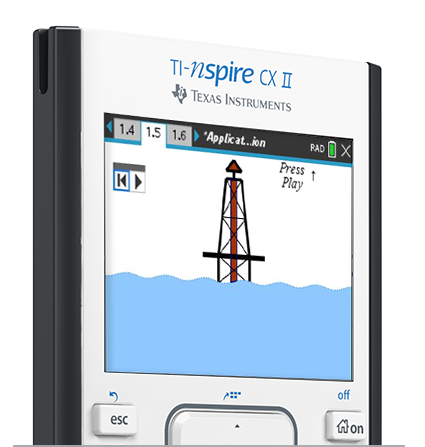
Teachers can demonstrate how to use the TI-Nspire CX II graphing calculator directly from the computer, using the teacher software, so the entire class can follow along.
Every calculator includes a four-year license of the TI-Nspire CX II online calculator.
Explore the TI-Nspire CX II graphing calculator »
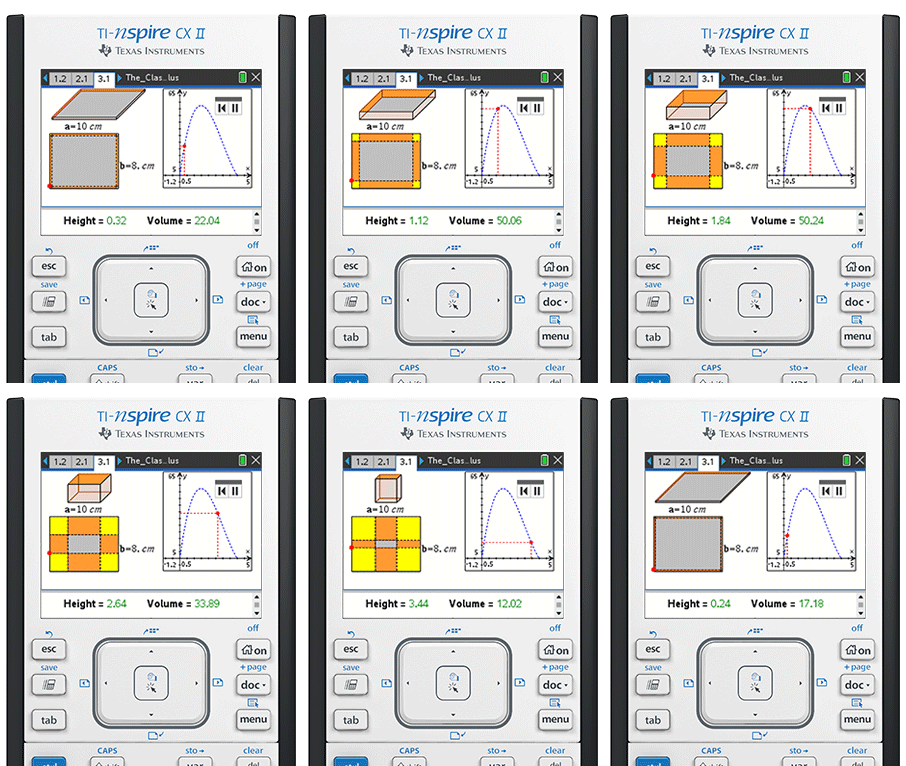
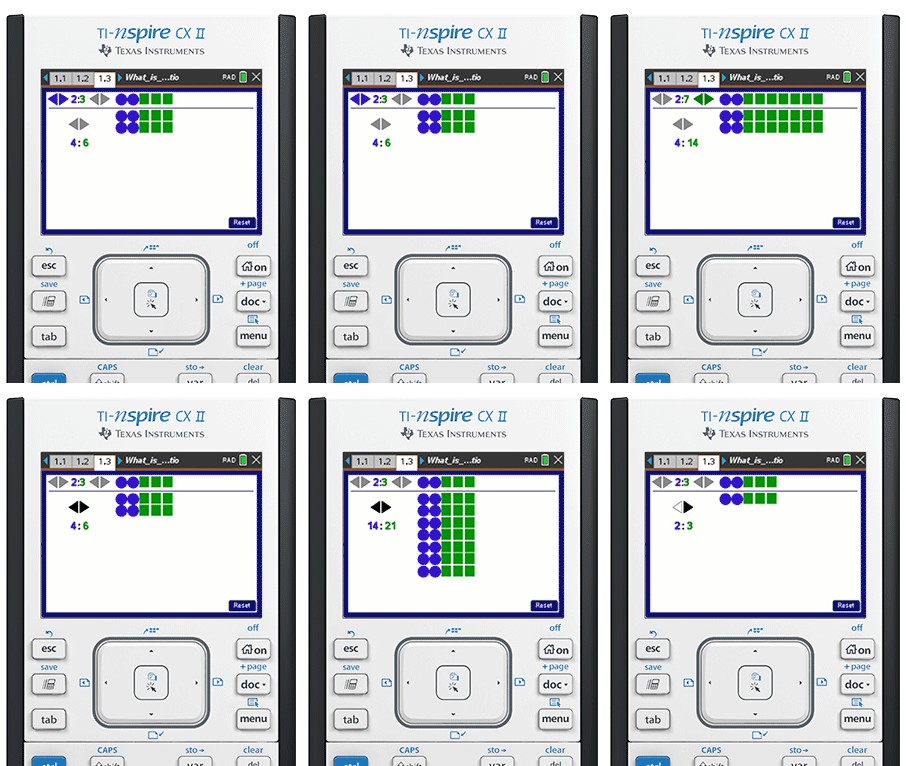
See how one change affects everything else
Empower students to explore dynamic interactions by moving the calculator’s cursor to change and experiment with graphs, geometric figures, and more to better visualize the various relationships at work in mathematics.
Transfer premade math lessons to your calculator
Download free lessons from Math Nspired, designed to encourage math students to make their own connections from concept to concept. Teachers are free to use the lessons as-is, or adapt them to fit their own teaching style.
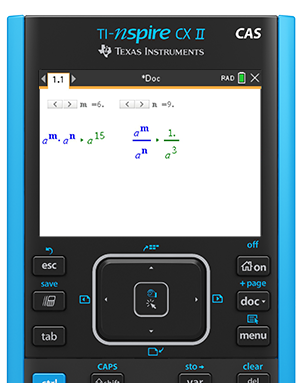
The CAS model comes with something extra
The TI-Nspire CX II CAS graphing calculator enables students to explore numeric and variable patterns in symbolic form, helping them to learn and understand key connections about the mathematics computed.
TI-Nspire™ CX Navigator™ System
Promote an interactive student learning environment
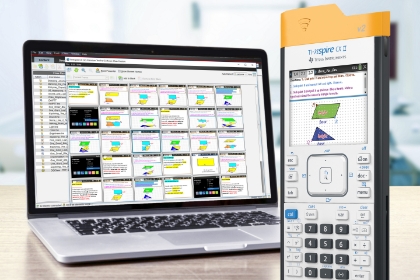
Transform the way you’re able to teach and get students more active in their learning. With the
- Monitor student progress in real time throughout class activities.
- Put students in charge of learning as live presenters to lead classroom demonstrations.
- Pause all calculator functions at any time for help managing lesson flow.
- Engage students in formative assessment by sending and receiving poll questions.
Accessories
Multiplying the ways students explore mathematics
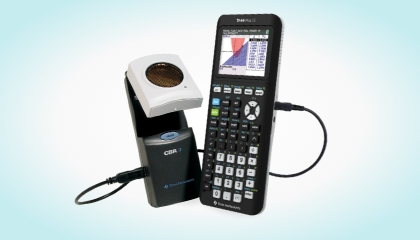
Collect and analyze data
The plug-and-go CBR™ 2 motion sensor adds a new dynamic to studying concepts like distance, acceleration and velocity.
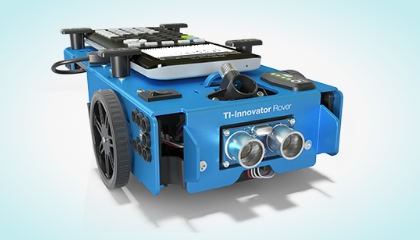
Make math roll to life
Learn new ways to put math in motion with engaging student activities for the TI-Innovator™ Rover robotic vehicle.