


TI-Nspire™ CX Docking Station
The docking station stores and recharges up to 10 graphing calculators at a time. You can even update the OS and transfer files from your computer to each calculator.



The plug-and-go sensor that adds a new dynamic to studying concepts like distance, acceleration and velocity.

Explore a wide range of Vernier sensors, including the wireless Go Direct® sensors, that are easy to use and motivate students to explore real-world phenomena in more ways.

Hassle-free, cord-free connectivity that makes data collection between your graphing calculator and other devices effortless.

When the wheels are turning, the students are learning. This robotic vehicle adds a hands-on, physical dimension to math and science, creating interactive learning experiences that spark curiosity and enthusiasm.

Empower students to explore coding and engineering concepts with the Hub’s built-in features, including lights, speakers, and other interactive components — or connect it to external sensors and devices. Let students design and control their own creative projects, bringing STEM learning to life.

Teach students how software and hardware work together. The multifunctional microcontroller helps teach various coding and engineering concepts, featuring built-in programmable sensors, buttons, microphone, light sensor and LED display.
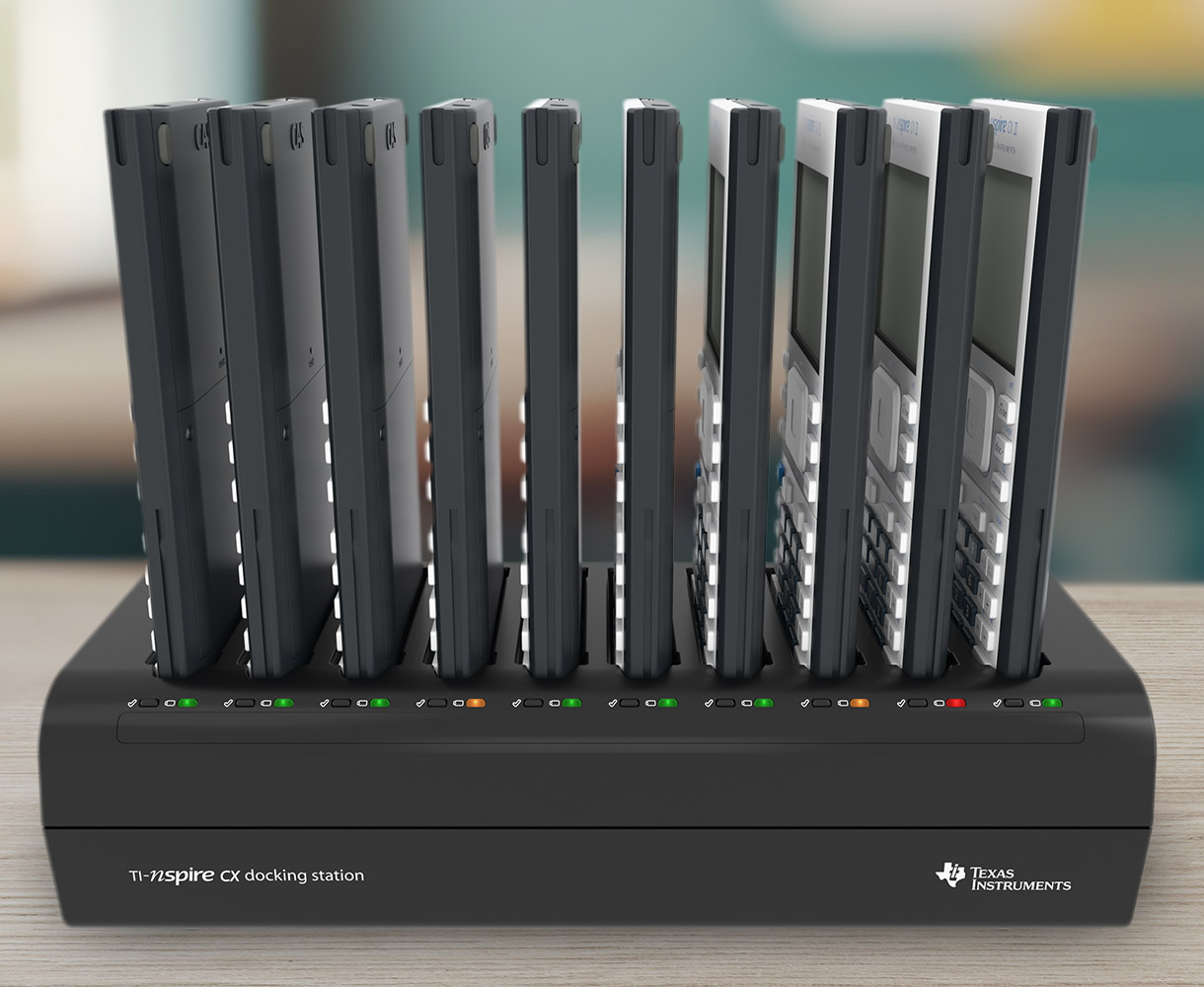
The docking station stores and recharges up to 10 graphing calculators at a time. You can even update the OS and transfer files from your computer to each calculator.

Need to replace your TI rechargeable battery? Contact one of TI’s authorized product dealers to request a new rechargeable battery for your calculator.