


Computer science resources
Control Robotic Vehicles
Choose a computer science project-on-wheels designed for use with the TI-Innovator™ Rover. Compatible with the TI-Nspire™ CX II or TI-84 Plus CE Python graphing calculator.

Choose a computer science project-on-wheels designed for use with the TI-Innovator™ Rover. Compatible with the TI-Nspire™ CX II or TI-84 Plus CE Python graphing calculator.

Highly recommended for beginners. Apply basic computer science concepts to control the Rover around the base of the Olympus Mons volcano on Mars. Average duration: 4 hours.
Python
TI-Nspire™ CX II technology
TI-84 Plus CE Python
TI Basic
TI-Nspire™ CX technology
TI-84 Plus CE
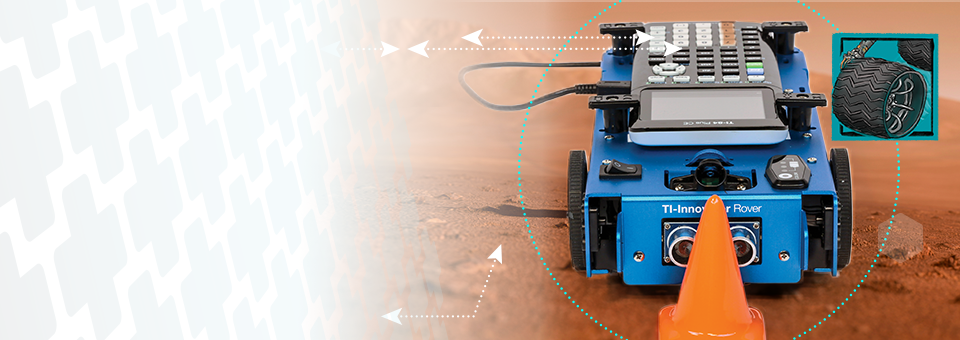

Model self-driving vehicles by using the Rover’s sensors to escape a canyon and detect minerals on the surface of Mars. Average duration: 4–6 hours.
TI Basic
TI-Nspire™ CX technology
TI-84 Plus CE
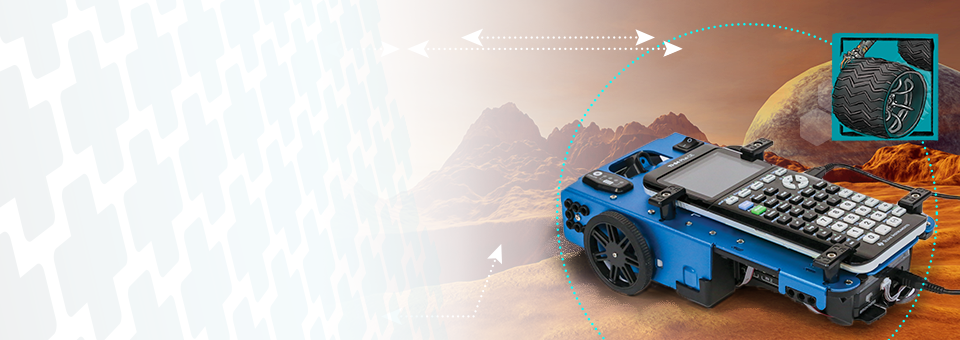


Know what projects you want to try? Request to pilot TI technology and all project materials you need for up to 2 weeks.*
Get started

Interested in more activities to get students engaged in computer science? Check out all the projects we offer.
Invisible white text
