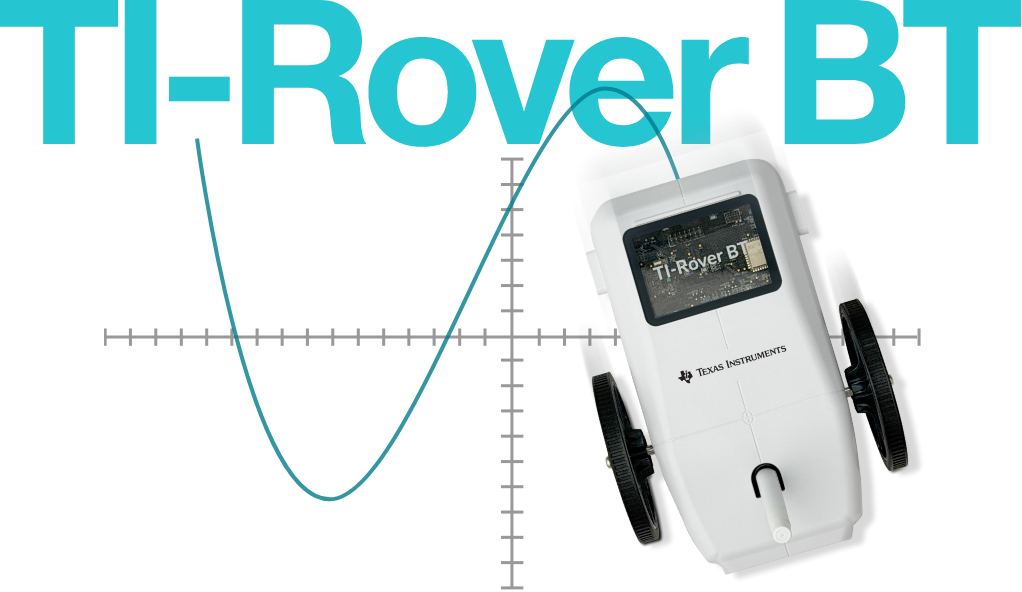
Draw noncontinuous lines
Need to draw a representation without a continuous line?



Need to draw a representation without a continuous line?

TI-Rover BT is capable of precise movements to accurately draw mathematical representations.

TI-Rover BT has a wide range of speed and acceleration to explore physical science concepts of rate, distance, and time relationship.
Step 1. Download and install the TI-Rover BT update software to your PC.*
Download software
Step 2. Download the TI-Rover BT Sketch file to your PC.**
Download file
Step 3. Using the update software, find the Sketch file on your PC and run it. Your TI-Rover BT will automatically update.
Step 1. Download and install the TI Bluetooth Adapter update software to your PC.†
Download software
Step 2. Download the TI Bluetooth Adapter Sketch file to your PC.‡
Download file
Step 3. Using the update software, find the Sketch file on your PC and run it. Your TI Bluetooth Adapter will automatically update.

This file is required to pair your

What you need to know to get started, and more.
Take me to the user guideThe Bluetooth® word mark and logos are registered trademarks owned by Bluetooth SIG, Inc. and any use of such marks by Texas Instruments is under license.
* Read the License for the TI-Rover BT update software before continuing. By downloading the application, you indicate your agreement with the terms and conditions of the License.
** Read the License for the TI-Rover BT Sketch before continuing. By downloading the application, you indicate your agreement with the terms and conditions of the License.
† Read the License for the TI Bluetooth Adapter update software before continuing. By downloading the application, you indicate your agreement with the terms and conditions of the License.
‡ Read the License for the TI Bluetooth Adapter Sketch before continuing. By downloading the application, you indicate your agreement with the terms and conditions of the License.


