
Code. Fly. Learn.
Take control of Robolink’s CoDrone EDU with your

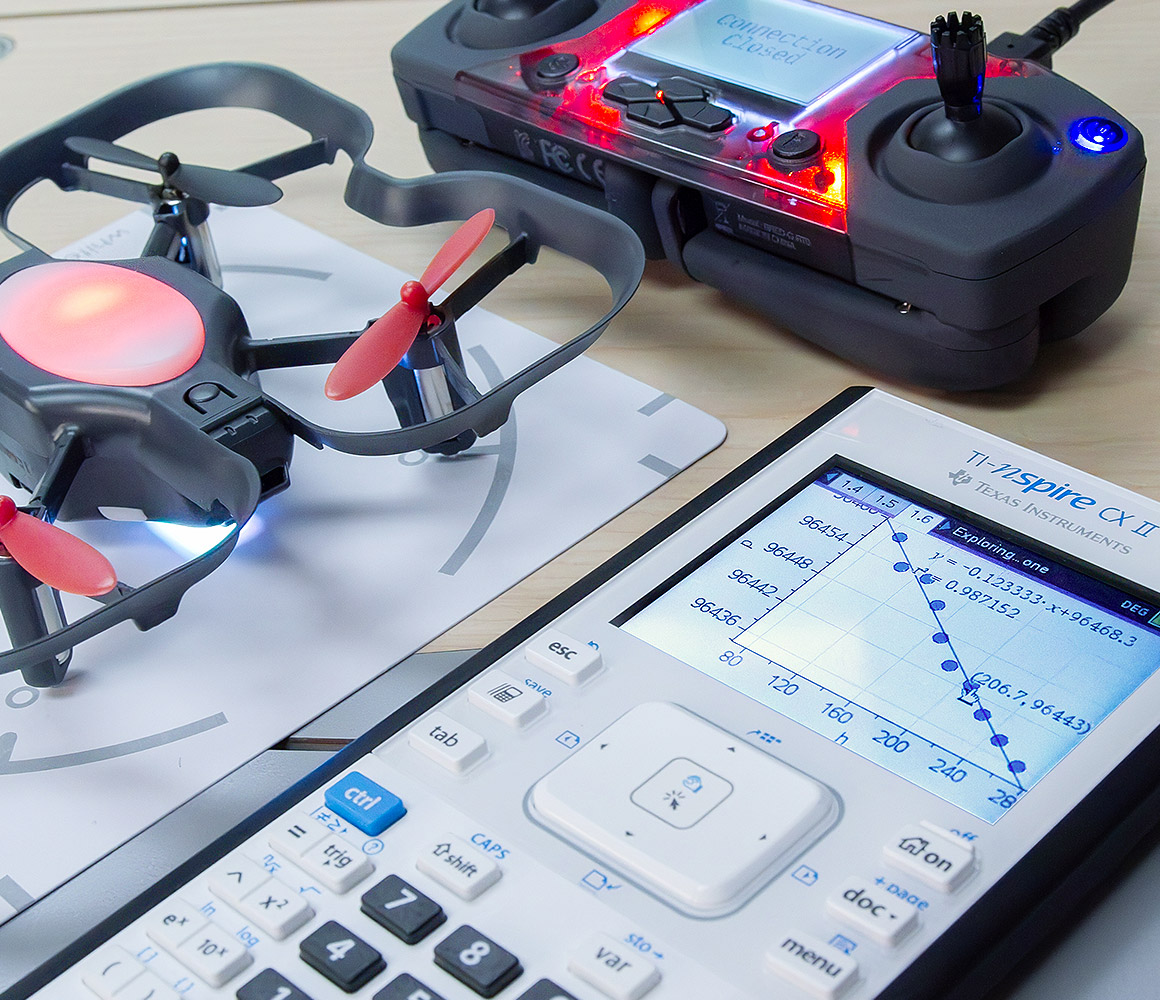
Take learning to new heights
With TI and CoDrone EDU, educators bring hands-on engagement to the classroom — built for indoor use, with no need to step outside.
Students will learn to:
-
Program their own flight paths using Python code.
Boost STEM skills through real-world coding projects.
Analyze air pressure changes at different altitudes.
Use sound commands to add audio signals mid-flight.

Why code with TI and CoDrone EDU?
With the help of TI-Nspire™ CX II graphing calculators, students can observe, record and analyze the results of their very own flight programs in a way that’s easy to learn.
Menu-driven coding
Coding functions are organized into menus with clear descriptions to guide syntax. Fewer errors, fewer frustrations.
Helpful prompts and colors
Inline prompts and color-coded fonts help students understand each step as they write their programs.
Automatic formatting
The built-in Python editor auto-indents where needed, making coding smoother for students.
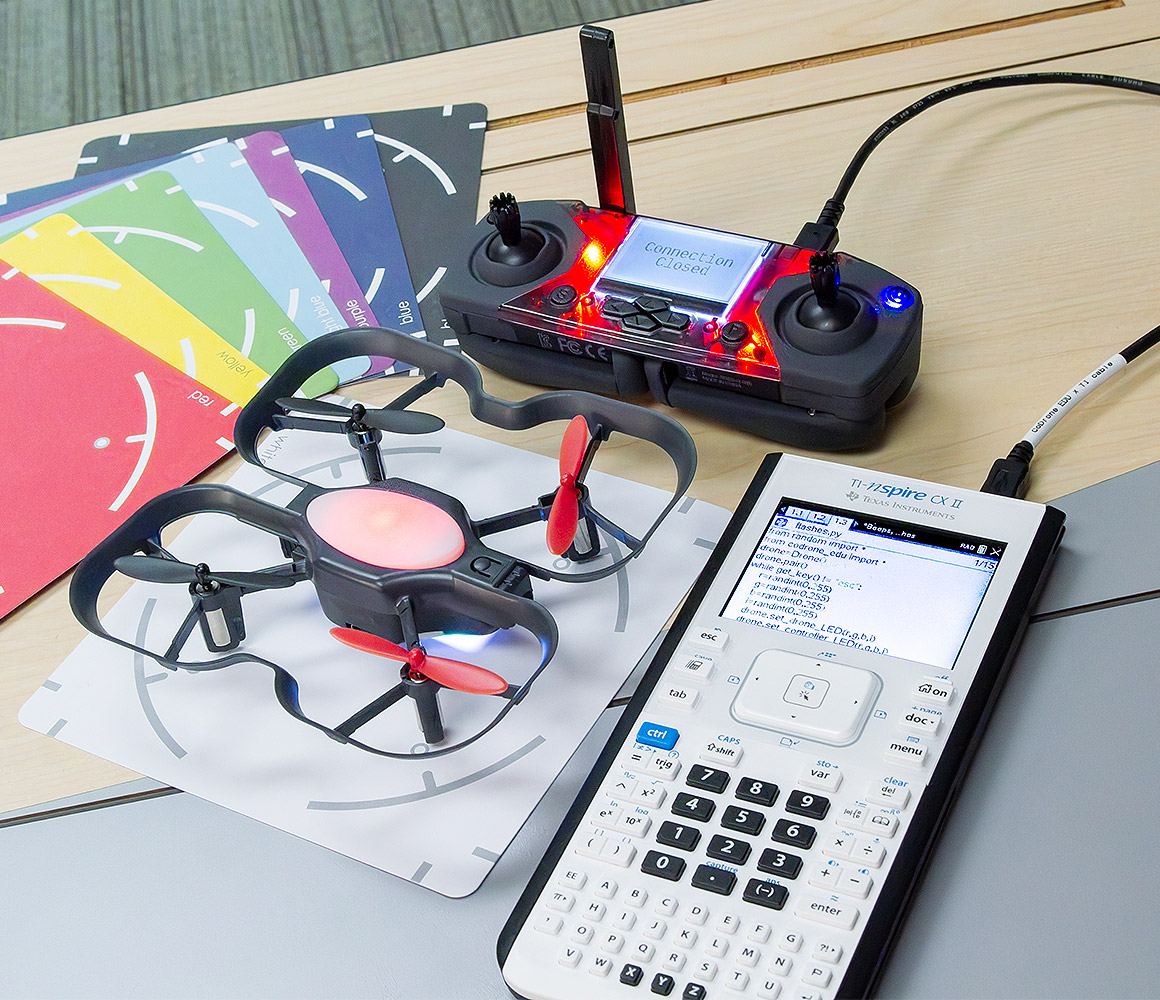
What you need to start flying
- TI-Nspire™ CX II graphing calculator
(OS version 6.3 or newer) - TI Python Module
- Robolink CoDrone EDU
- Connection cable (available from Robolink)
- Optional: Extra set of CoDrone EDU batteries (recommended for extended flight time)
Get airborne in three easy steps

1. Update your calculator
Make sure your graphing calculator has the latest OS installed (version 6.3 or newer).

2. Install the Python module
Download and transfer the module to your graphing calculator to code and operate the drone.

3. Connect and code
Connect your graphing calculator to the drone’s controller. Select the Python module, code, and start flying.
Need help setting up?
Download a quick reference sheet Download the guide for step-by-step instructions
Try out our collection of sample programs
Run a set of prewritten programs to take your drone on a test flight and discover how it can elevate coding in your classroom.
Download sample programs
Do more with CoDrone EDU and your TI
Ready to go beyond the basics? Go to Robolink Learn — the official hub for Python-based activities designed for CoDrone EDU.
Students can take on new challenges and write more advanced code. Explore concepts like loops, conditionals, sensors, and flight dynamics — directly from your graphing calculator.
Explore Robolink Learn