


The TI-84 Plus CE Python Graphing Calculator
Enhanced graphing for everyday math
The TI-84 Plus CE Python offers core graphing capabilities in a sleek design for middle school through college — with full color, more memory, and more speed than the TI-84 Plus.


The TI-84 Plus CE provides the fundamental tools for all kinds of math
Full-color display
Color-coordinate various graphs and values to boost visual learning.
Rechargeable battery
Built to last through class time, study time, and exam day.
30% slimmer design
Built slimmer and lighter than the TI-84 Plus for more comfort in your hands.
Approved for use on exam day:
Recommended courses:
- Pre-Algebra
- Algebra 1 and 2
- Trigonometry
- Geometry
- Precalculus/AP® Precalculus
- Calculus/AP® Calculus
- Statistics/AP® Statistics
- Business & Personal Finance
- College Math & Science
- Linear Algebra
- AP® Environmental Science
- Biology/AP® Biology
- Chemistry/AP® Chemistry
- Physics/AP® Physics
-
Additional courses
for Python Edition: - Computer Science
- High School Robotics
- High School Engineering
- High School Cybersecurity
The graphing calculator that makes
math problems no problem
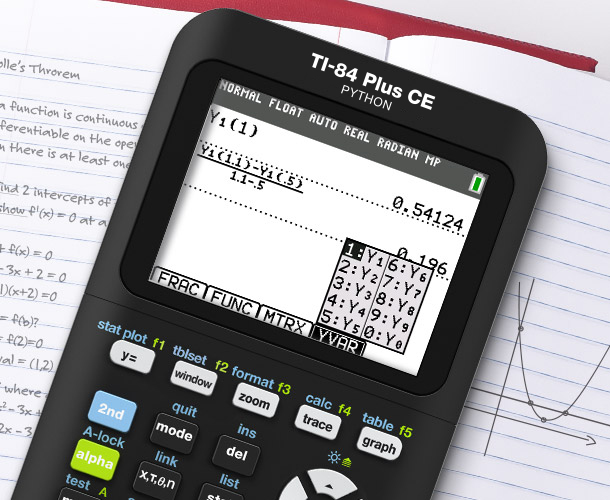
Familiar notation, better understanding
The unique MathPrint™ feature enables proper notation and clearer formatting, letting students enter expressions, symbols and fractions exactly as they appear on their assignments and exams.
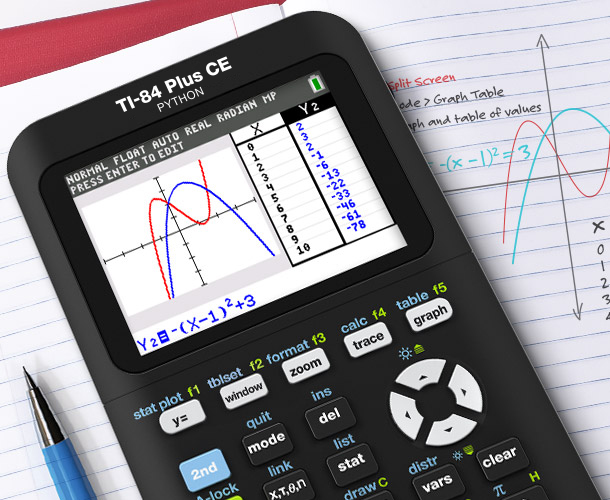
Visualize more with split-screen mode
Use split-screen mode to view equations, graphs, and tables simultaneously. Teach students ways to see connections between expressions, numerical data, and graphical representations, making complex concepts easier to understand.
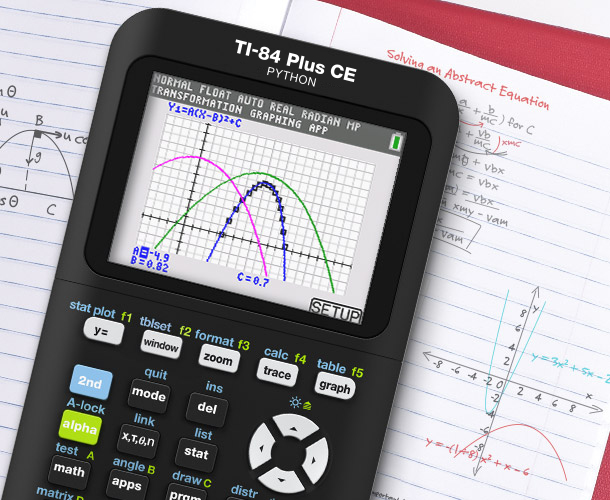
Turn abstract equations into real visuals
Use customizable styles, colors, and shading options to graph functions, parametric equations, and even polar relationships.
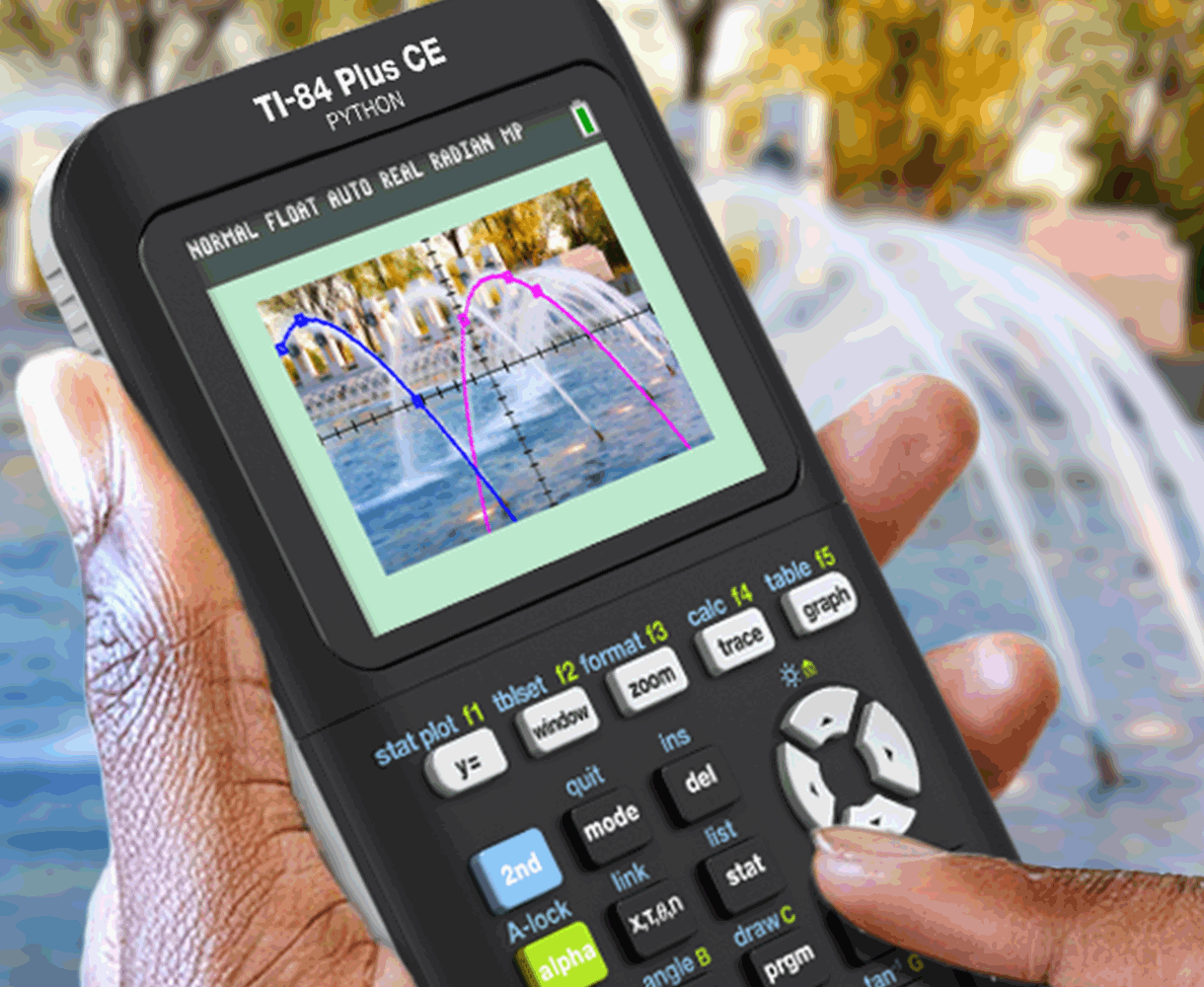
Put concepts in real-world context
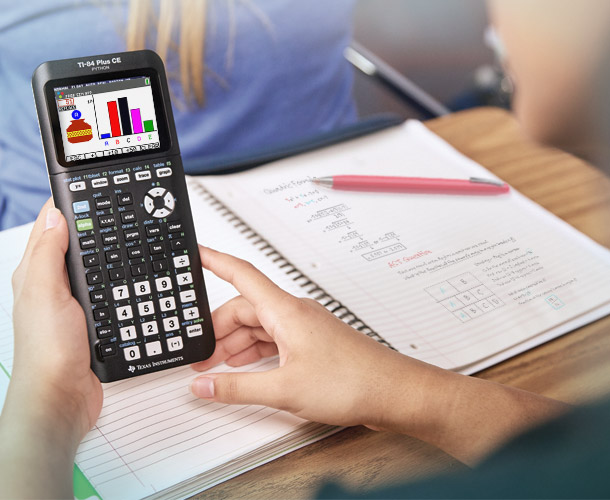
Overlay graphs and equations on top of real images — even ones you upload yourself — to help students connect math and science concepts to the world around them.
Distraction-free learning
Your math class deserves better than a web browser. The TI-84 Plus CE unplugs students from the web and social media, so teachers can keep them focused on math.
Your calculator, your curriculum
expand learning for every math and science student
Graphing and Visualization Features
Expand graphing capabilities with built-in apps that help students visual and explore mathematical concepts.
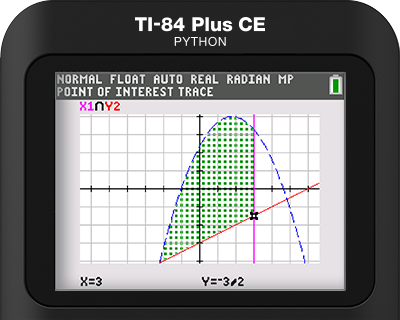
Inequality Graphing
Graph inequalities, display intersections and unions in distinct colors, and use calculation functions to find, trace, and store coordinate pair intersections between linear programming constraints.
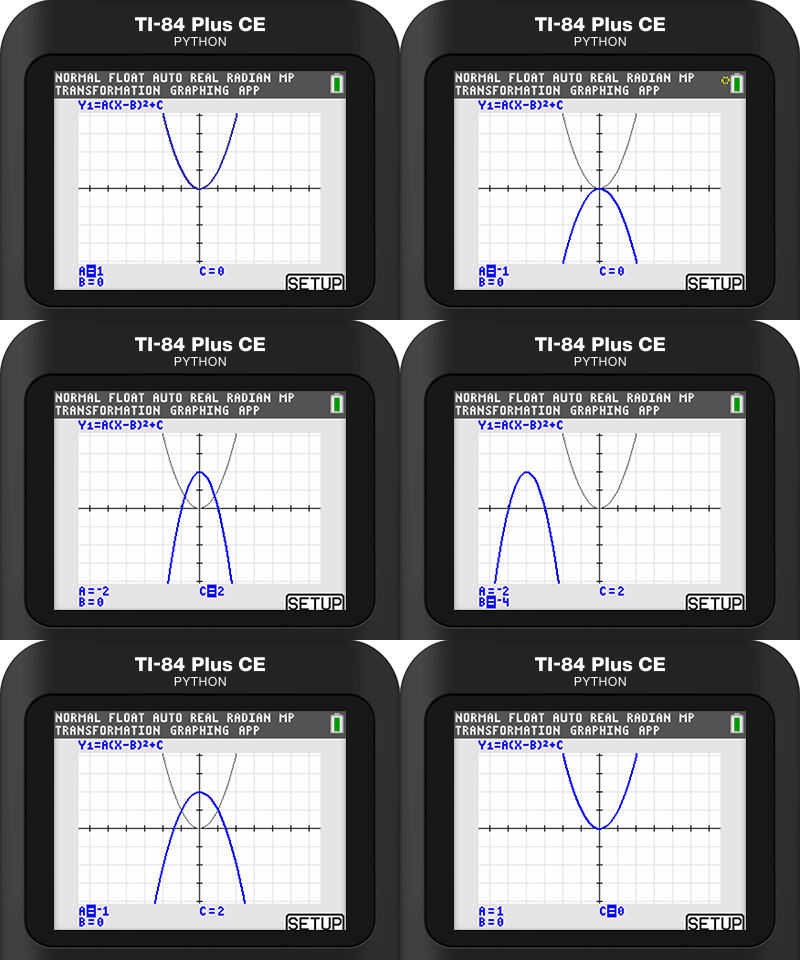
Transformation Graphing
Observe how changes to coefficients affect the graphs of functions in real time. This interactive feature makes transformations of functions visually dynamic and easier to understand.
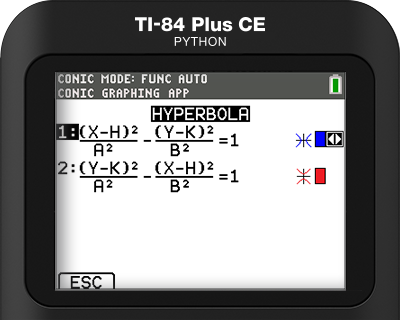
Conic Graphing
Present equations in function, parametric, or polar form and let students easily graph the four conical shapes — circle, ellipse, hyperbola and parabola.
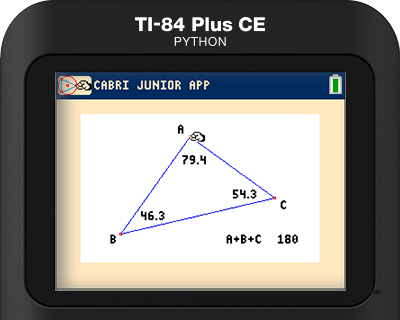
Cabri™ Jr. App
Add a new dimension to student learning with interactive geometry for the calculator. Construct, analyze and transform mathematical models and geometric diagrams.
Algebra and Finance Solvers
Explore built-in features designed to help students solve equations, explore polynomials, and analyze models.
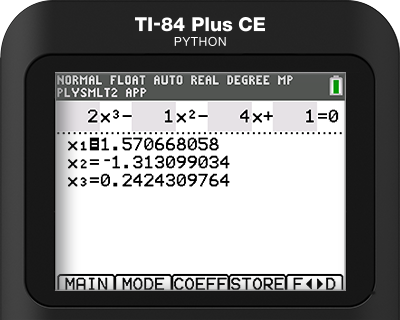
Polynomial Root Finder
Quickly find roots for polynomials up to the 10th degree, displayed as fractions, decimals, or in complex format for higher-degree equations. Easily store polynomials to Y= to graph and analyze.
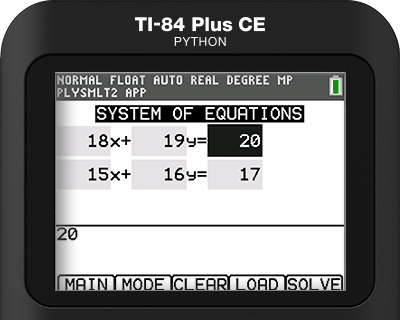
Simultaneous Equation Solver
Solve systems of equations with up to 10 equations and 10 unknowns. Display solutions as unique, infinite, or no solution, with options to store coefficient matrices, augmented matrices, and Reduced Row Echelon forms for further exploration.
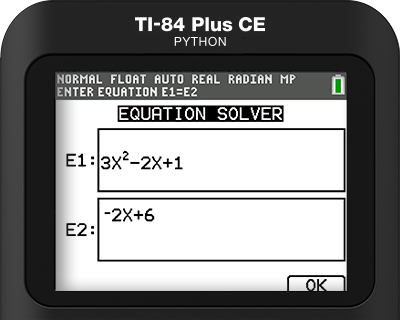
Numeric Solver
Enter an equation with one unknown, and the calculator will find the value that makes it true — no need to rearrange anything by hand. The Numeric Solver is a helpful tool for solving algebra problems and double-checking work.
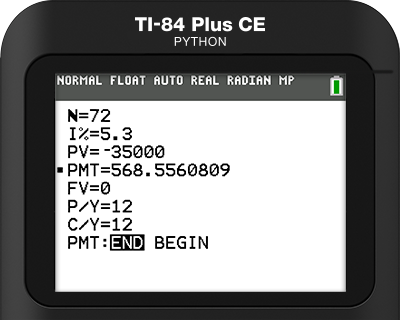
Finance (Time-Value-Money Solver)
Calculate loan payments, interest, savings growth, and investment returns using built-in tools for solving time-value-of-money problems, ideal for teaching and learning real-world personal finance concepts..
Data Collection and Statistics
Use interactive tools that make it easier to collect and analyze data, run simulations, and explore probability in the classroom.
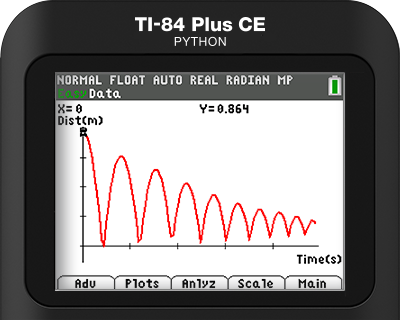
EasyData® App
Quickly visualize data plotted in a graph just as fast as it can be collected. Analyze the data in numerous ways and even record multiple data runs to make comparisons.
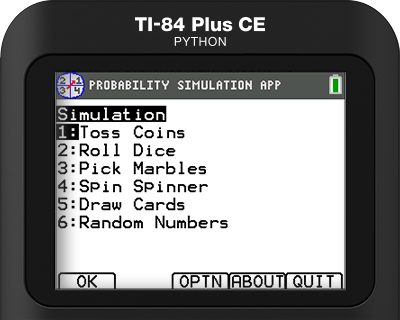
Probability Simulation
Simulate randomness with interactive animations such as dice rolls, coin tosses, and drawing marbles out of a bag. Adjust the settings to change the probabilities in your favor, like if you want to rig the dice or stack a deck of cards.
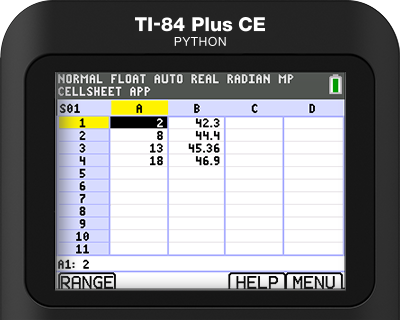
CellSheet™ App
Use spreadsheets to enter data and text in cells, create cell formulas, and use built-in functions to perform data analysis.
Science and STEM Learning
Enhance what students can do right from the classroom with tools for coding and deeper science exploration.
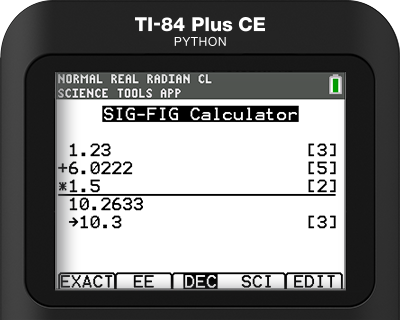
Science Tools
Perform unit conversions, calculate significant figures, and work with vectors — all on your calculator. The features include constants, conversions, graphing and vector tools to support science lessons.
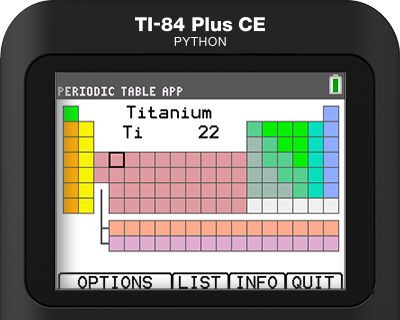
Periodic Table
Explore an interactive periodic table that gets students engaged with science. Study the 15 properties and facts about 109 elements, as well as graphs of the periodic nature of the elements.
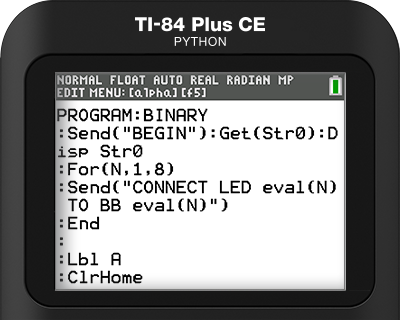
TI-Basic
Introduce students to the basics of coding with TI-Basic, a built-in programming language for TI graphing calculators, that lets students write programs to solve math and science problems.

Didn’t know your calculator could do all that?
Install the newest OS update to get all the latest features
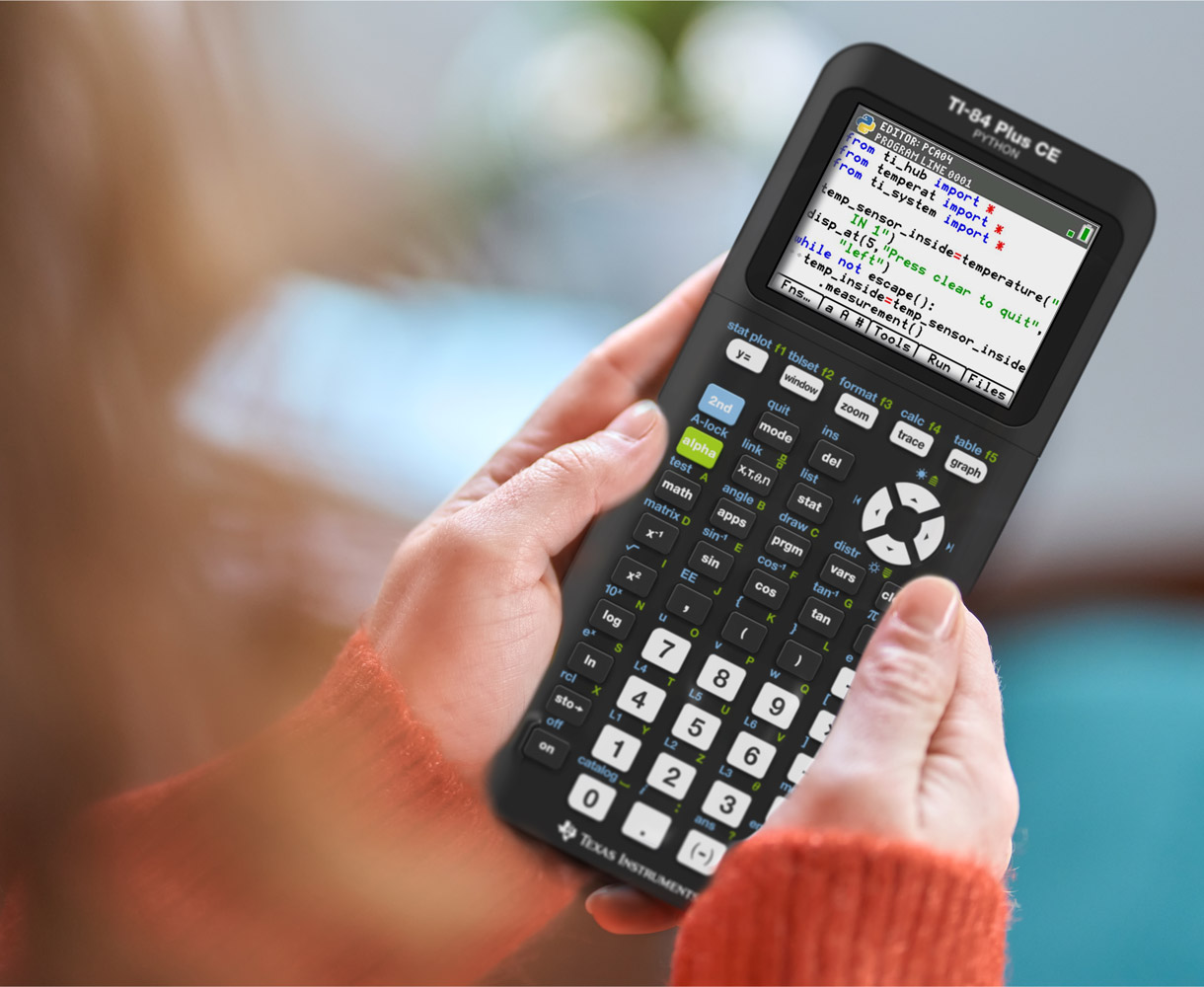
TI-84 Plus CE Python Edition
Learn to code with your graphing calculator. The TI-84 Plus CE Python Edition includes all the same features as the original — now built with the power of Python!
Do what online graphing calculators can’t by writing and running programs directly on the calculator, offering students an easy introduction to programming and computational problem-solving.
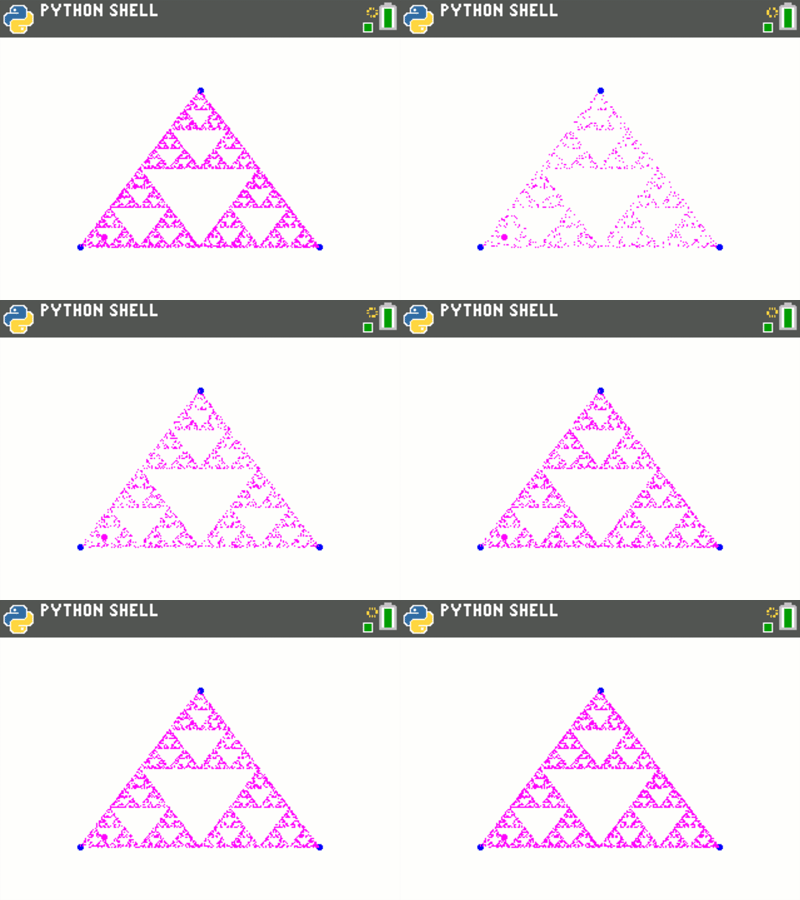
Math that’s way more dynamic
Put math into action by creating code to model equations, visualize functions, run simulations, and much more.
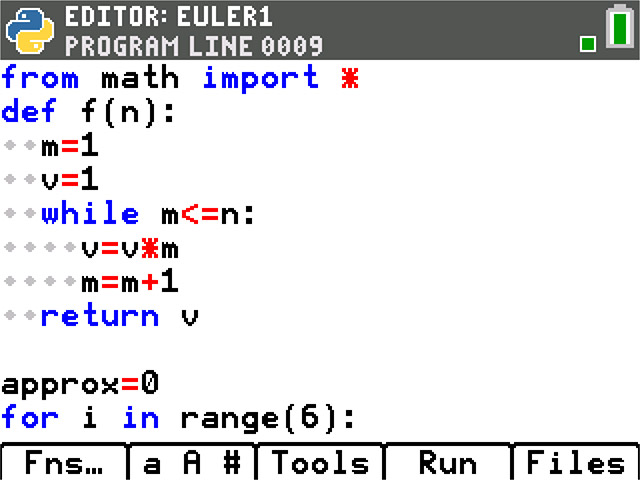
Simple start to computer science
From loops to functions, students gain real-world programming skills — making CS classes easier and more approachable.
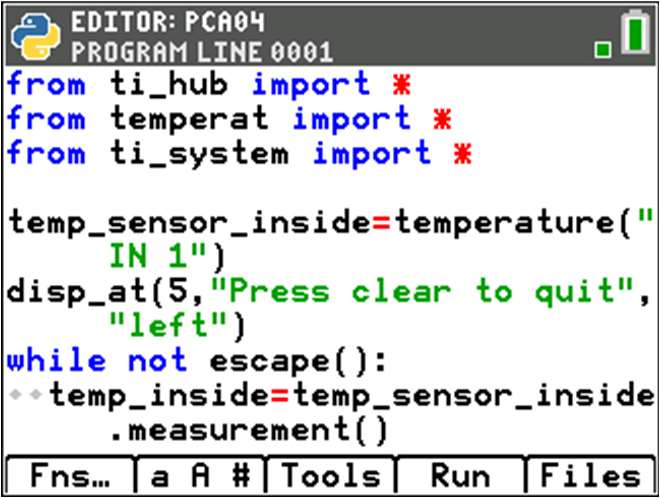
All-in-one STEM tool for students
The flexibility to teach math, science and coding concepts with one familiar device helps teachers enhance STEM learning.

TI-84 Plus tutorials
Get to know your graphing calculator with quick video tutorials that cover the basic functions, graphing, data and statistics features, and more.


Specifications


SAT® and AP® are trademarks registered by the College Board. PSAT® is a registered trademark of the College Board and the National Merit Scholarship Corporation. ACT is a registered trademark of ACT, Inc. IB is a registered trademark owned by the International Baccalaureate Organization. None are affiliated with, nor endorse, TI products. Policies subject to change. Visit www.collegeboard.org, www.act.org and www.ibo.org.