Working with a Document in Test Mode
While in Test Mode, you will only see a default document created during the test session. You cannot open documents that were created before entering Test Mode.
Creating a New Document
|
1.
|
Tap  in the toolbar. in the toolbar. |
|
2.
|
Select an application to add to the document. |
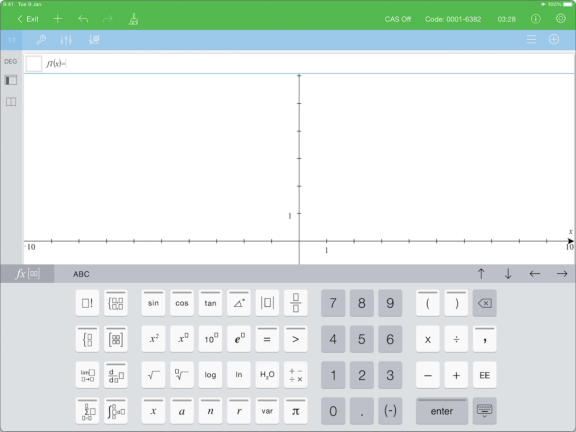
Based on the restrictions that were enabled manually, or set by a test code:
|
•
|
the restricted functionality is disabled, |
|
•
|
the appropriate menu items are removed, |
|
•
|
an error message is displayed when you try to execute restricted functions by typing them or pasting from the Catalog. |