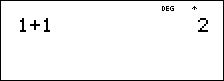
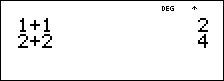
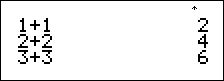
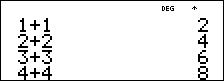
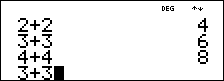
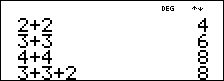
! " # $
Press !or " to place the cursor horizontally over the expression entered. Press % ! or % " to move the cursor directly to the beginning or end of the expression.
After an expression is evaluated, use # and $ to scroll through previous entries, which are stored in the
Examples
|
Scroll |
1 T 1 < |
|
|
|
2 T 2 < |
|
|
|
3 T 3 < |
|
|
|
4 T 4 < |
|
|
|
# # # # < |
|
|
|
T 2 < |
|