p
Use p to choose modes. Press $ # ! " to choose a mode, and < to select it. Press - or % Q to return to the Home screen and perform your work using the chosen mode settings.
Default mode settings are shown highlighted.
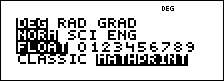
Note: In some restricted environments (for example function table, data editor, and the % h menu), the
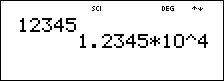
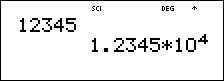
Note: C is a shortcut key to enter a number in scientific notation format. The result displays in the numeric notation format set in mode.
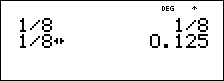
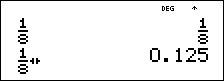
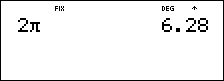
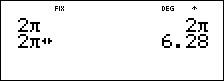
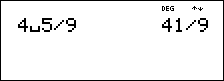
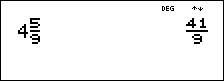
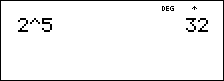
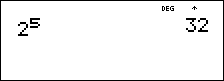
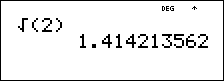
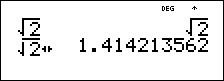
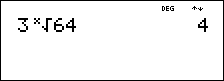
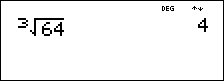
Examples of Classic and MathPrint modes
|
Classic mode |
MathPrint mode |
|---|---|
|
|
|
|
|
|
|
|
|
|
Un/d
|
Un/d
|
|
Exponent example
|
Exponent example
|
|
Square root example
|
Square root example
|
|
Cube root example
|
Cube root example
|