Split View allows you to work with the TI-Nspire™ App for iPad® and another app in two resizable windows. Split View will work in both Landscape and Portrait modes.
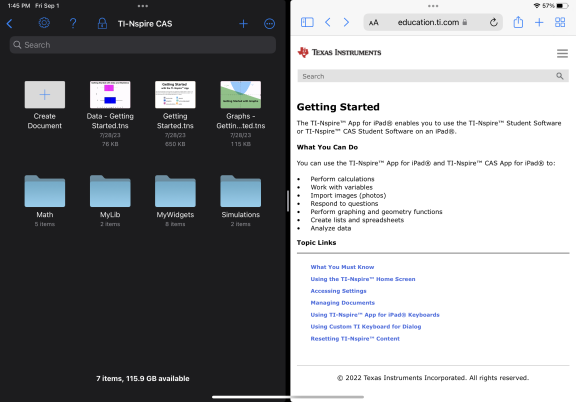
To open a second app in Split View while in TI-Nspire™ App for iPad®
| 1. | Tap the Multitasking Controls  button. button. |
| 2. | Tap the Split View  button. button. |
The TI-Nspire™ App for iPad® moves to the side to display your Home Screen.
| 3. | Find the second app you want to open and tap it. |
To resize the Split View
After selecting the second app, you can drag the divider left or right to resize the windows.
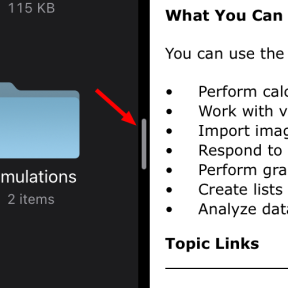
Note: To reset the Split View to a 50/50 screen, return to a full screen view for either app and repeat the steps to open a second app from above.