WARNING: You cannot undo this action.
Resetting Content does the following:
| • | Permanently deletes all user-created content from the app folder in the On My iPad location. |
| • | Restores the factory pre-loaded documents and MyLib folder. |
| • | Clears the Clipboard to prevent the pasting of unauthorized information. |
To Reset Content:
| 1. | From the TI-Nspire™ Home screen, tap Settings  . . |
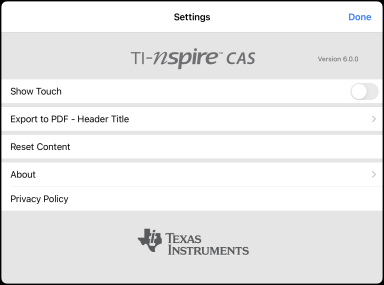
| 2. | Tap Reset Content. |
An alert message appears.
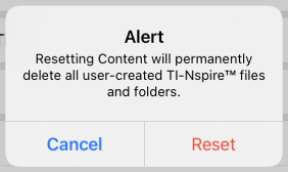
| 3. | To proceed with the reset, tap Reset. |
After the reset is complete, the TI-Nspire™ Home Screen reappears.