| 1. | In the Graphing view, tap Tools  and go to Graph Entry/Edit > Function. and go to Graph Entry/Edit > Function. |

| 2. | Type an expression for the function. |
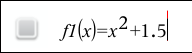
| 3. | Tap enter to graph the function. |
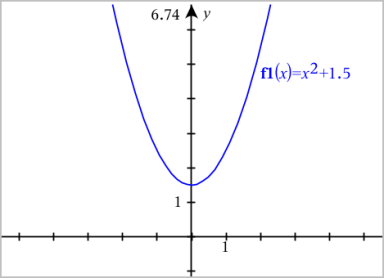
 Manipulating a Function by Dragging
|
Linear Function |
|
||||||
|
Quadratic Function |
|
||||||
|
Sine or Cosine Function |
|
Finding Points of Interest on a Function Graph
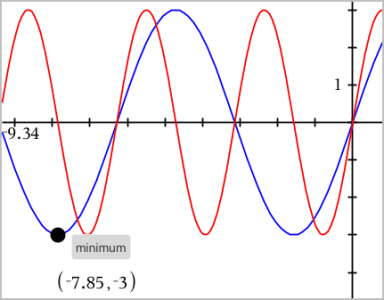
| ▶ | Create a point on the graph, and then drag the point to quickly identify maximums, minimums, and zeros. |
Temporary signposts appear as you drag through the points of interest.
| ▶ | For other points of interest, tap Tools , select Analyze Graph, and select the type of analysis, such as Integral. The application prompts you to choose a graph and define the boundaries. |
Note: For information about path plots, see Exploring Graphs with Path Plot.