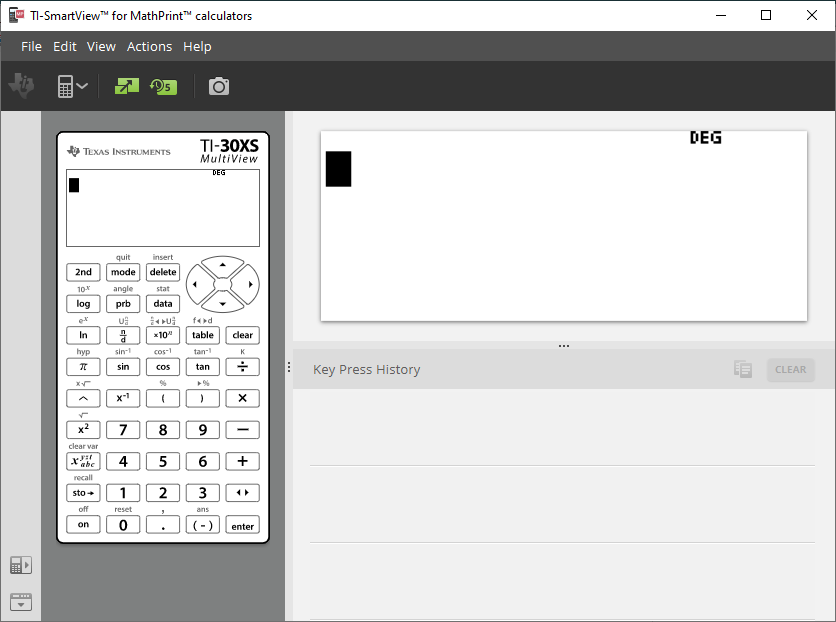
You can customize your display to show or hide optional panels and change the type of information displayed in each one. By default, the
Topic Links
Displaying the Calculator Screen
|
|
||||||
|
|
|
 to
to  again to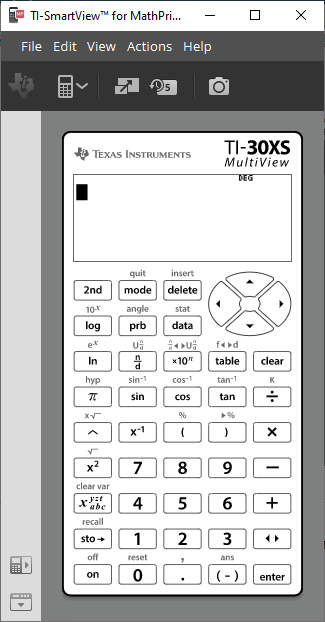
Choosing an Emulator Type
Click the down arrow on  to choose an emulator type.
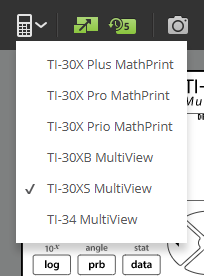
Each emulator type displays its relevant calculator model.
Changing the Calculator Faceplate
To change the faceplate:
| 1. | Click View. |
| 2. | Hover over Calculator Faceplate. |
| 3. | Click on a calculator faceplate name. |
|
Light |
Dark |
Outline |
|
|
|
|
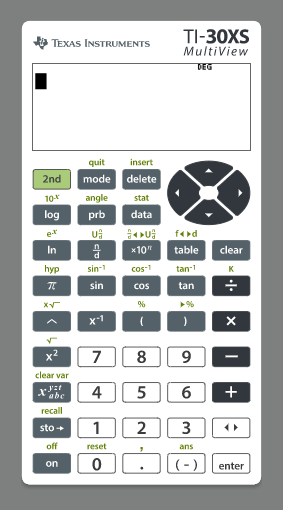
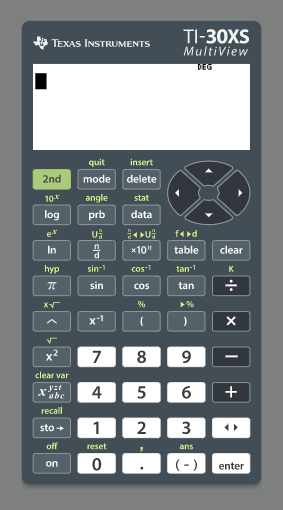
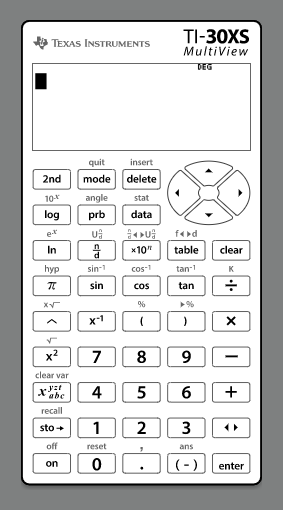
Showing or Hiding the Key Press History
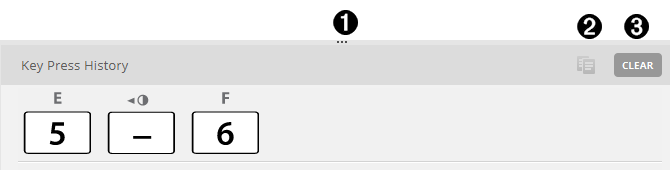
Click  to show or hide key press history.
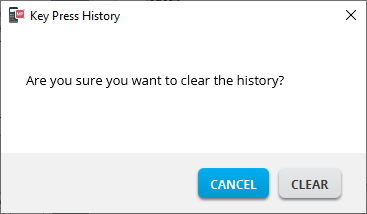
Click CLEAR in the panel next to Key Press History to clear the history.
|
|
Click here and drag to re-size the Key Press History panel. |
|
Click here after selecting keys to copy font as graphics. |
|
Click here to clear the |


When you press clear, you will see this information box: