The first time
|
|
Choose your emulator type using the pull down menu and select OK. Your selected emulator will display for your first presentation. |
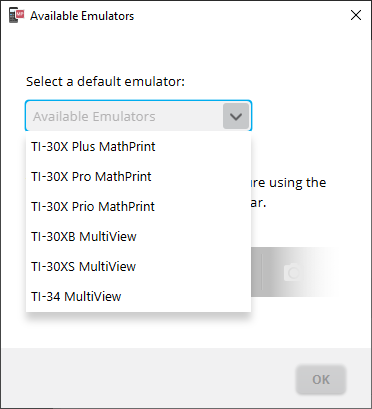
See: Choosing an Emulator Type
The last emulator type in view will become the default and the last sizing of the window will display according to your last settings.
See: Changing the Size of the
Calculator Emulator Screen
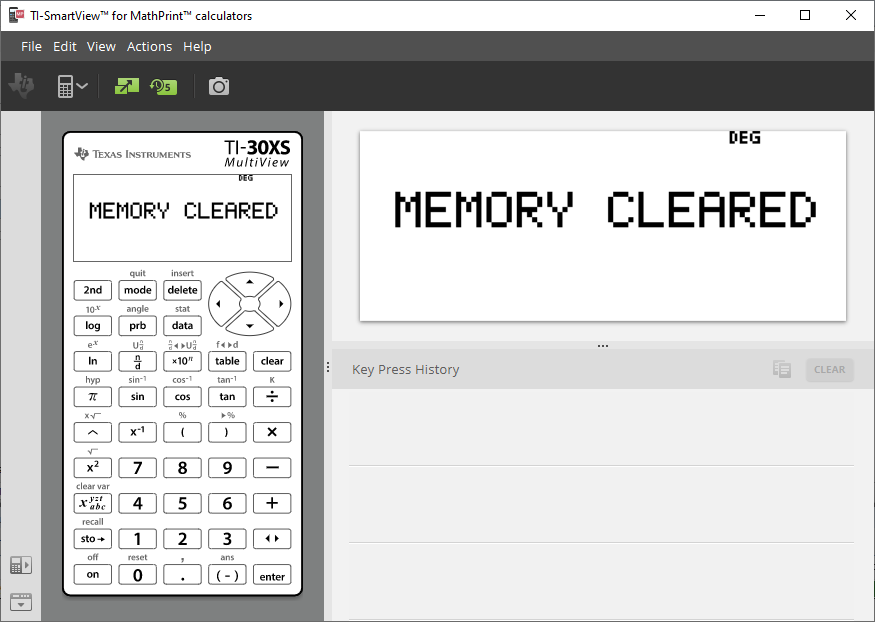
Note: Images in this guide may be different depending on which emulator you have selected.