q
Use q to choose modes. Press $ # ! " to choose a mode, and < to select it. Press - or % s to return to the Home screen and perform your work using the chosen mode settings.
Default settings are highlighted in these sample screens.
|
|
|
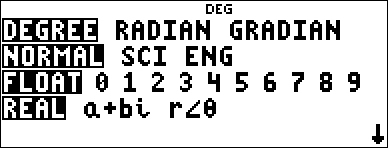
DEGREE RADIAN GRADIAN - Sets the angle mode to degrees, radians, or gradians.
NORMAL SCI ENG - Sets the numeric notation mode. Numeric notation modes affect only the display of results, and not the accuracy of the values stored in the unit, which remain maximal.
NORMAL displays results with digits to the left and right of the decimal, as in 123456.78.
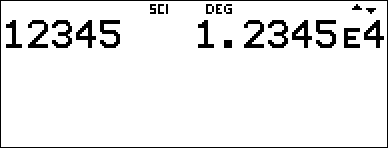
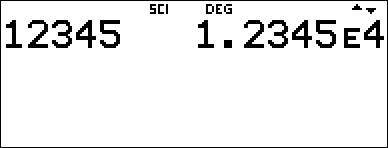
SCI expresses numbers with one digit to the left of the decimal and the appropriate power of 10, as in 1.2345678E5, which is the same as the value (1.2345678×10⁵) including the parentheses for correct order of operation.
ENG displays results as a number from 1 to 999 times 10 to an integer power. The integer power is always a multiple of 3.
Note: E is a shortcut key to enter a number in scientific notation format. The result displays in the numeric notation format selected in the mode menu.
FLOAT 0 1 2 3 4 5 6 7 8 9 - Sets the decimal notation mode.
FLOAT (floating decimal point) displays up to 10 digits, plus the sign and decimal.
0 1 2 3 4 5 6 7 8 9 (fixed decimal point) specifies the number of digits (0 through 9) to display to the right of the decimal.
REAL a+bi r±q - Sets the format of complex number results.
REAL real results
a+bi rectangular results
r±q polar results
DEC HEX BIN OCT - Sets the number base used for calculations.
DEC decimal
HEX hexadecimal (To enter hex digits A through F, use % §, % ¨, and so on.)
BIN binary
OCT octal
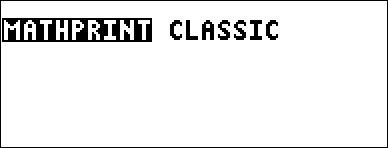
MATHPRINT CLASSIC
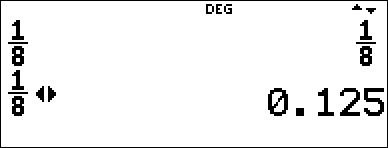
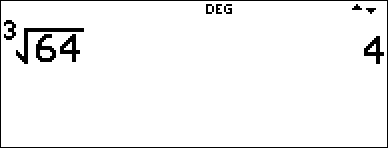
MATHPRINT mode displays most inputs and outputs in textbook format.
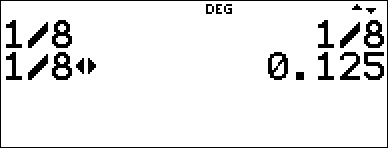
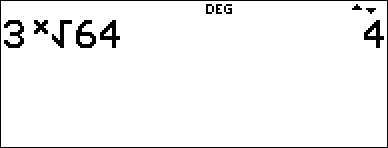
CLASSIC mode displays inputs and outputs in a single line.
Examples of MathPrint™ and Classic Modes
|
MathPrint™ Mode |
Classic Mode |
|
Sci
|
Sci
|
|
Float mode and answer toggle key
|
Float mode and answer toggle key.
|
|
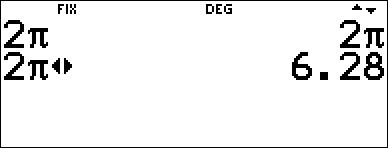
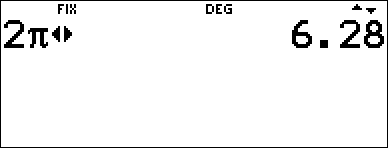
Fix 2 and answer toggle key
|
Fix 2
|
|
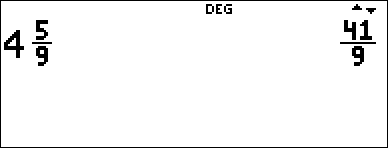
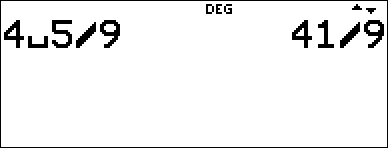
Un/d
|
Un/d entry
|
|
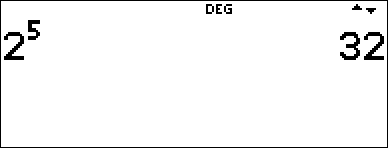
Exponent example
|
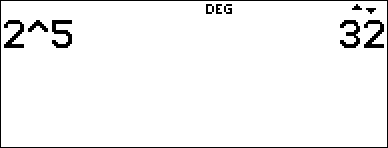
Exponent example
|
|
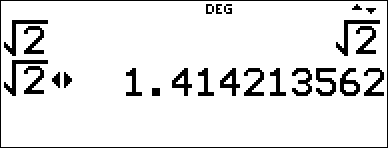
Square root example
|
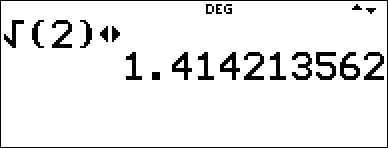
Square root example
|
|
Cube root example
|
Cube root example
|