To exit Press-to-Test on the calculator
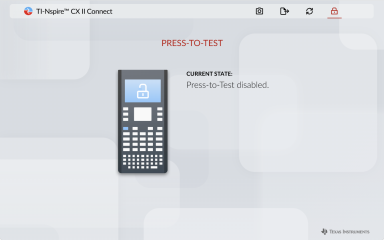
| 1. | Navigate to the PRESS-TO-TEST page. |
The app will check the Press-to-Test state of the calculator. If Press-to-Test is enabled, you will be prompted to exit.
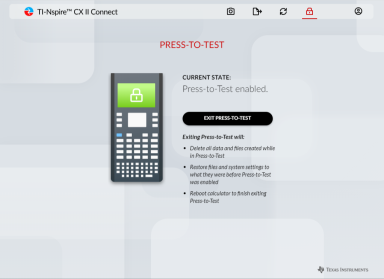
| 2. | Click the EXIT PRESS-TO-TEST button. |
A confirmation message will appear when Press-to-Test has been disabled. Click RECONNECT CALCULATOR if you need to reconnect.