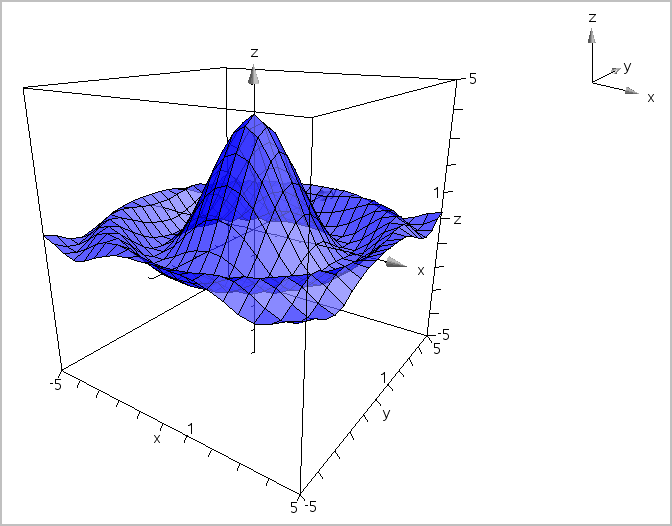
| 1. | In the 3D Graphing view, tap Tools  and go to 3D Graph Entry/Edit > Function. and go to 3D Graph Entry/Edit > Function. |
The keyboard and the entry line appear.

| 2. | Enter the expression that defines the graph. You can type the expression or build it using expression templates. |

| 3. | Tap enter to create the graph and hide the entry line and keyboard. You can show the entry line and keyboard anytime by tapping  on the Graphs Toolbar. on the Graphs Toolbar. |