Types of Variables
You can store the following data types as variables:
|
Data type |
Examples |
||
|
Expression |
2.54 1.25E6 2p xmin/10 2+3i (xN2)2 |
||
|
List |
{2, 4, 6, 8} {1, 1, 2} {"red", "blue", "green"} |
||
|
Matrix |
|
||
|
Character string |
“Hello” “xmin/10” “The answer is:” |
||
|
Function, program |
myfunc( arg ) ellipse( x, y, r1, r2 ) |
||
|
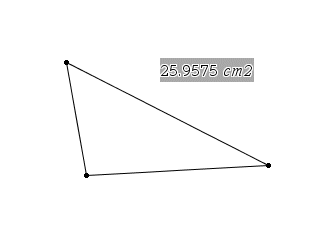
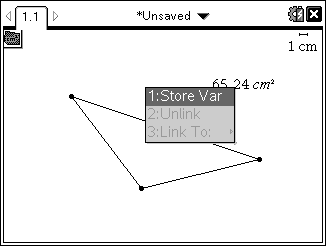
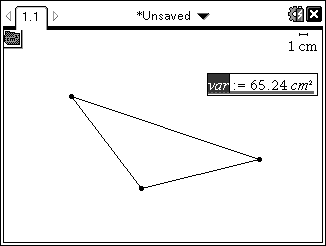
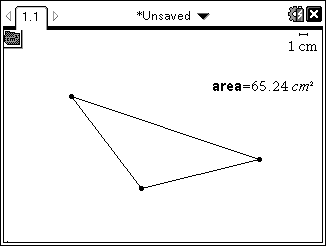
Measurement |
area, perimeter, length, slope, angle |


When you click  or press h on a handheld to open the list of stored variables, a symbol indicates the type.