 .
.The Geometry application lets you:
| • | Create and explore geometric objects and constructions. |
| • | Manipulate and measure geometric objects. |
| • | Animate points on objects and explore their behavior. |
| • | Explore object transformations. |
| ▶ | To start a new document with a blank Geometry page: |
From the main File menu, click New Document, and then click Add Geometry.
Handheld: Press c, and select Geometry .
| ▶ | To add a Geometry page in the current problem of an existing document: |
From the toolbar, click Insert > Geometry.
Handheld: Press ~ and select Insert > Geometry.
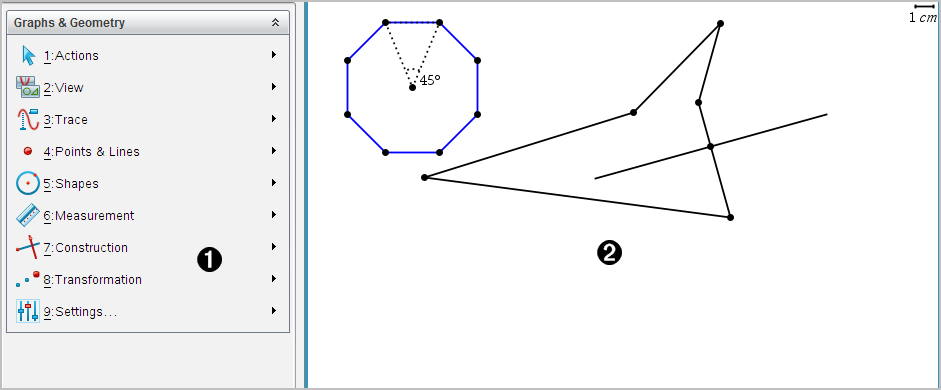
|
À |
Geometry menu – Available anytime you are viewing a Geometry page. |
|
Á |
Geometry work area -- The drawing area where you create and explore geometric objects. |
Introduction to Geometric Objects
Creating Shapes Using Gestures (MathDraw)
Basics of Working with Objects
Exploring with Construction Tools
Hiding Objects in the Geometry Application
Customizing the Geometry Work Area