% l
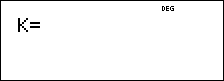
% l turns Constant feature on and lets you define a constant.
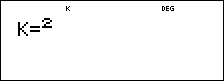
To store an operation to K and recall it:
| 1. | Press % l. |
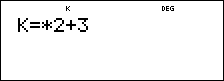
| 2. | Enter any combination of numbers, operators, and/or values, up to 44 characters. |
| 3. | Press < to save the operation. K displays in the indicator line. |
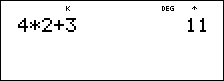
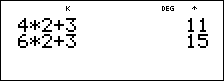
| 4. | Each subsequent time you press <, the |
Press % l again to turn Constant feature off.
Examples
|
K |
% l |
|
|
|
V 2 T 3 < |
|
|
|
4 < |
|
|
|
6 < |
|
|
Reset K |
% l % l - F < |
|
|
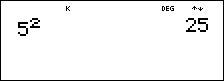
|
5 < |
|
|
|
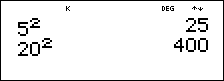
20 < |
|
|
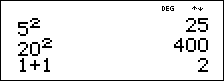
Turn off K |
% l 1 T 1 < |
|
³ Problem
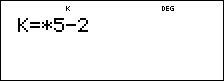
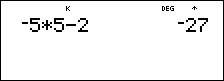
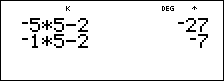
Given the linear function y = 5x – 2, calculate y for the following values of x: -5; -1.
|
% l V 5 U 2 < |
|
|
M 5 < |
|
|
M 1 < |
|
|
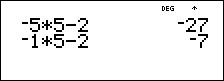
% l |
|