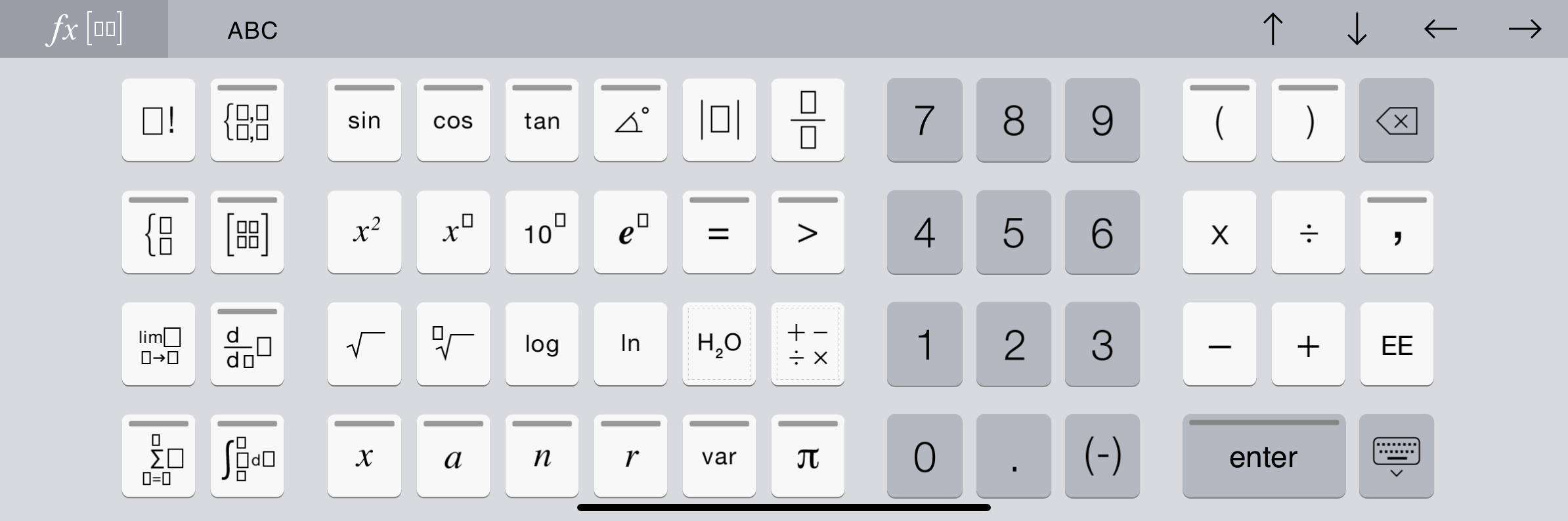
The TI-Nspire™ App for iPad® has two keyboards: the Native iPad® Keyboard and the TI-Nspire™ Keyboard.
| ▶ | To type text and numbers, tap in the workspace to show the Native iPad® Keyboard, which is the standard alpha-numeric keyboard. |

Note: This keyboard changes when you select language options.
| ▶ | To insert common TI-Nspire™ functions, templates, and mathematical expressions, tap  to show the TI-Nspire™ Keyboard. to show the TI-Nspire™ Keyboard. |
Accessing Alternative Functions
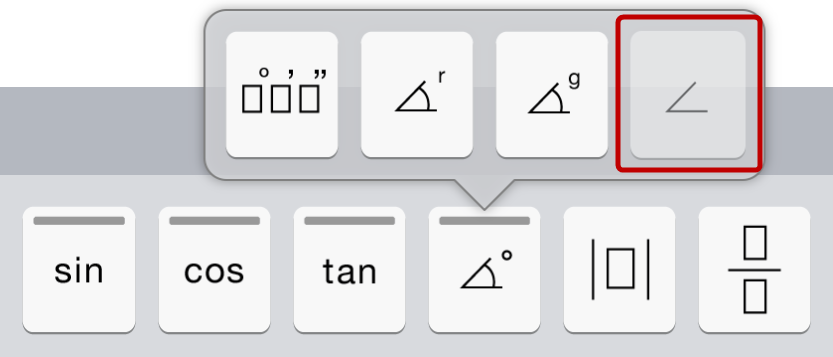
On the TI-Nspire™ Keyboard, many keys have alternate functions related to the symbol marked on the key. Keys with alternative functions are shown with a coloured stripe on top.
|
|
Example of alternative functions.
Stripe indicates that alternative functions are available. |
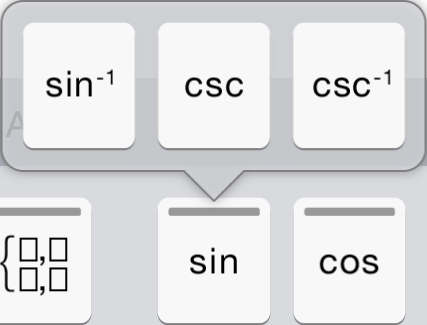
| ▶ | To access an alternative function, touch and hold the key, and then slide your finger to the desired function. |