Every dialogue inside the application has a custom keyboard available.
Example:
Go to Graphs > Tools > Window/Zoom > Window Settings.
The Window Settings dialogue appears.
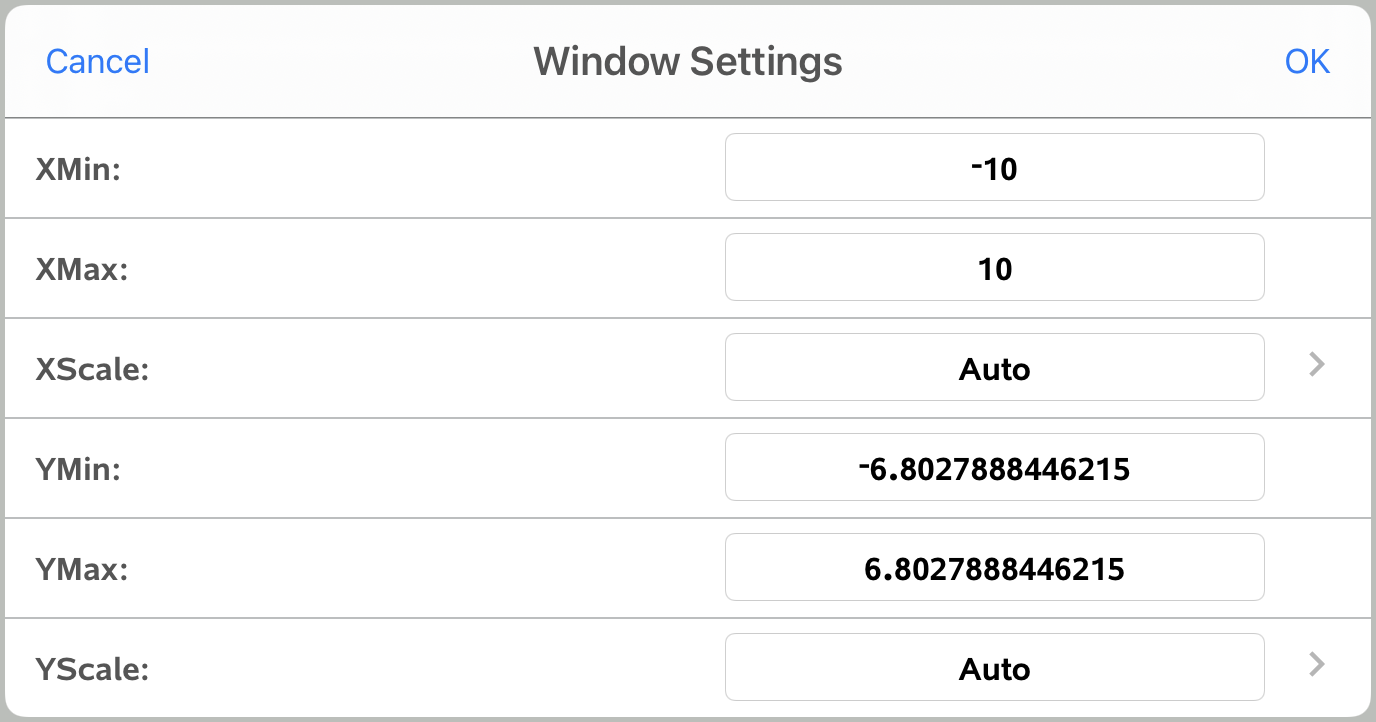
Tap in any field.
The custom keyboard for dialogue is available.
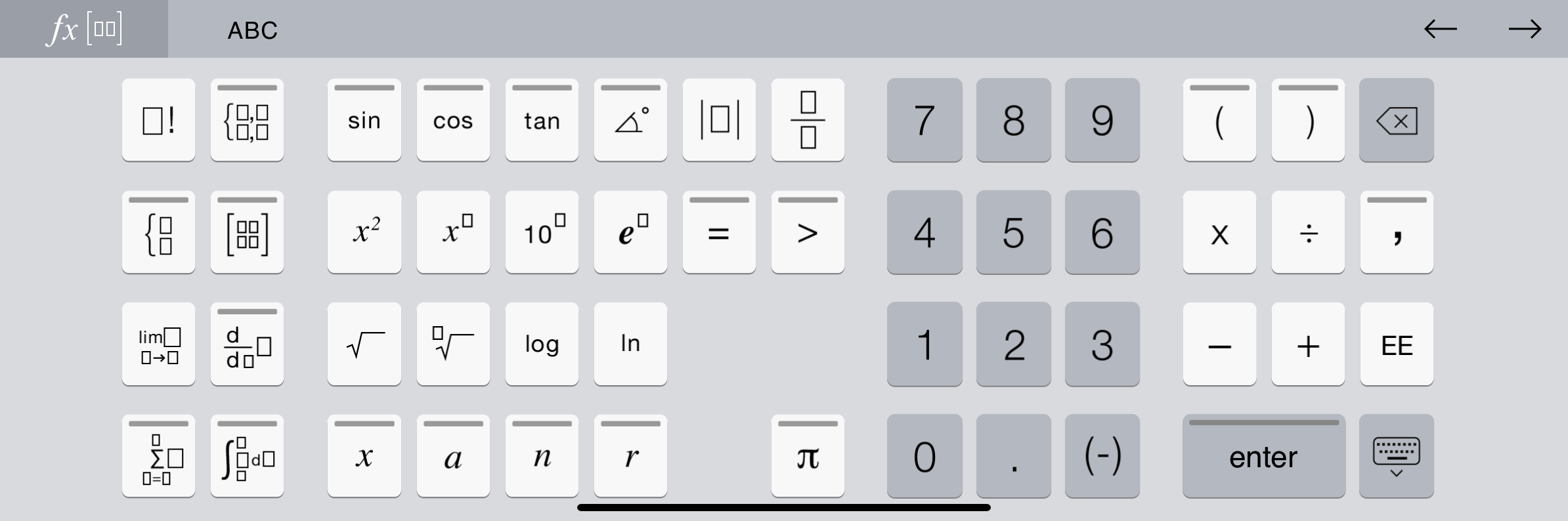
Note: The following keys are not available.
| • | Chem Box |
| • | Maths box |
| • | Variable Keys |
| • | Arrow Up |
| • | Arrow Down |