To get started with the Graphs application, add a Graphs page to an existing document.
Tap Add, and then tap  .
.
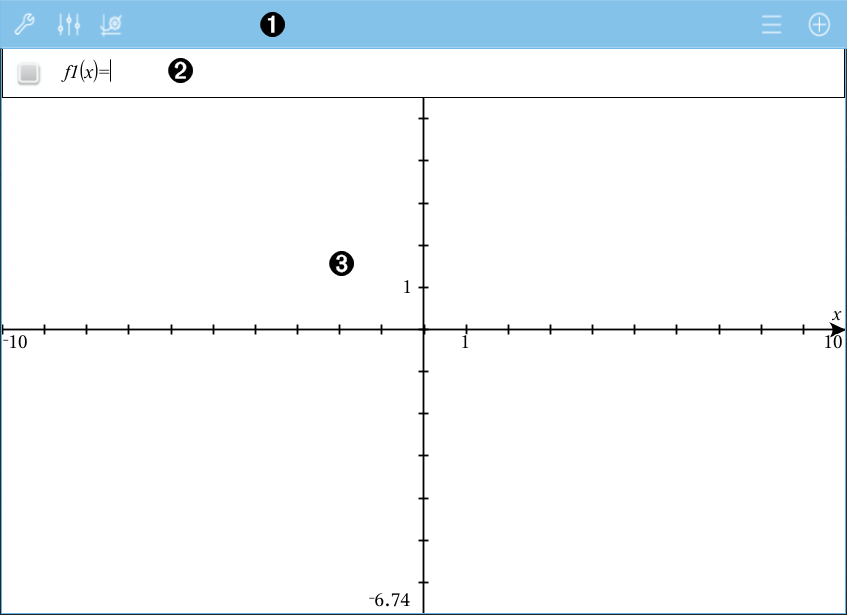
A new Graphs page appears, showing the Graphs Toolbar, entry line, and work area.
|
|
Graphs Toolbar
|
|||||||||||||||
|
|
Entry line. Lets you define the relations that you want to graph. The default graph type is Function, so the form f1(x)= is displayed initially. You can define 99 relations of each type. |
|||||||||||||||
|
|
Graphs Work Area
|

 to create and explore graphs.
 to change the appearance of a graph.
 to change the settings used by the Geometry and Graphs applications.
 to view or edit an expression from the graph history.
 to hide or show the keyboard and the entry line.
