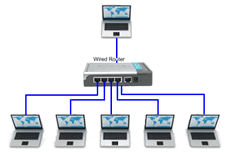
Teacher wired and students wired
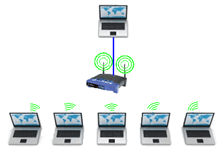
Teacher wired and students wireless
Connection from student computers to teacher computers is through the school network.
It’s best if the teacher computer has a wired connection, but the network administrator will know which connection is best for your environment.
Student connections can be wired or wireless.
|
|
|
|
Teacher wired and students wired |
Teacher wired and students wireless |
Once the school network administrator has provided network access, you are automatically recognized and connected to the network when you open the software.
To verify your connection:
| 1. | In the Class Workspace, click File > Settings > Teacher Preferences. |
The Teacher Preferences dialog box opens.
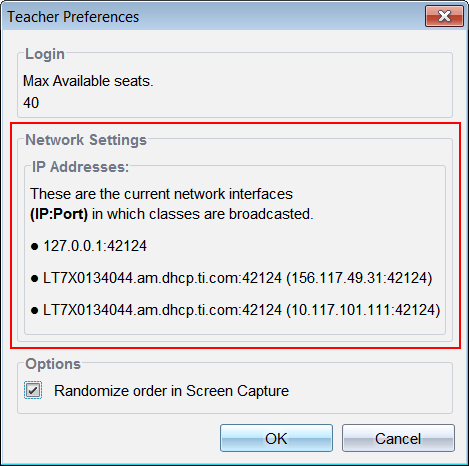
| 2. | View the IP Addresses in the Network Settings area. If the host name and IP address are present, you are connected and able to broadcast. |
Note: If the IP address is missing, contact your Network Administrator.