You are here: Getting Help > Updating the OS on a Connected Handheld
Updating the OS on a Connected Handheld
Note: To avoid losing unsaved data, close all documents on the handheld before updating its operating system.
|
1.
|
Ensure that your computer is connected to the Internet. |
|
2.
|
In the Documents Toolbox, click the Content Explorer tab  to show connected handhelds. to show connected handhelds. |
|
3.
|
Select the handheld that you are updating. |
|
4.
|
From the menu, select . |
|
•
|
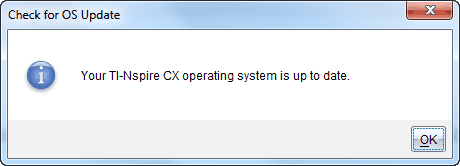
If the operating system is current, a confirmation message appears. |
|
•
|
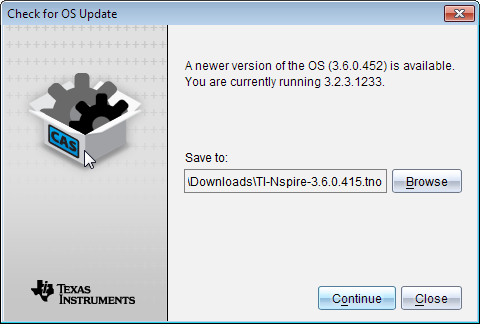
If the operating system is not current, the TI‑Nspire™ software prompts you to install the latest OS now. If the updated OS file is not already available on your computer, you can choose a location for it. |
|
5.
|
Click and follow the prompts to install the OS on the handheld, or click to cancel. |
When the update is complete, the handheld restarts automatically.