

You are here: Welcome to the TI‑Nspire™ App for iPad® > Working with Documents > Adding Problems to Documents
| 1. | From an active document, tap Add. |
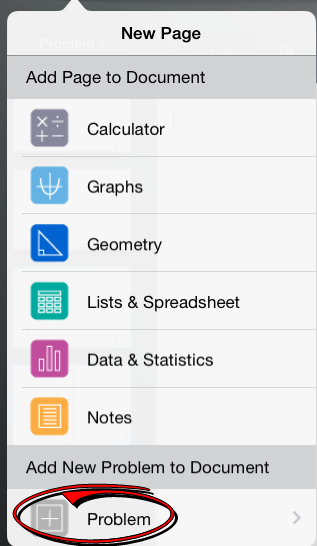
| 2. | Tap Problem. |
| 3. | Tap the type of problem you want to add to the document. |
A new problem is added beneath the current problem in the page sorter.
Note: To rename the problem, double-tap the problem name, type the new name, and then tap return.