 Viewing the Calculator History
Note: You may notice a processing slowdown when the history contains a large number of entries.
| ▶ | Press ▲ or ▼ to scroll through the history. |
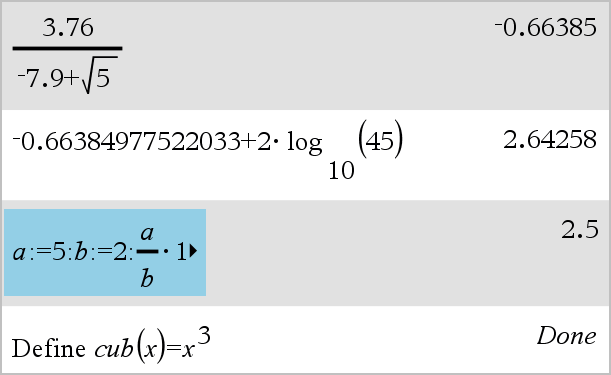
As you enter and evaluate expressions in the Calculator application, each entry/result pair is saved in the Calculator history. The history gives you a way to review your calculations, repeat a set of calculations, and copy expressions for reuse in other pages or documents.

