

You are here: Welcome to the TI‑Nspire™ App for iPad® > Data & Statistics Application > Adding a Data & Statistics Page
Adding a Data & Statistics Page
To get started with the Data & Statistics application, add a Data & Statistics page to an existing document that contains a Lists & Spreadsheet page.
| 1. | Tap  , and then tap , and then tap  . . |
The Data & Statistics page shows the default caseplot.
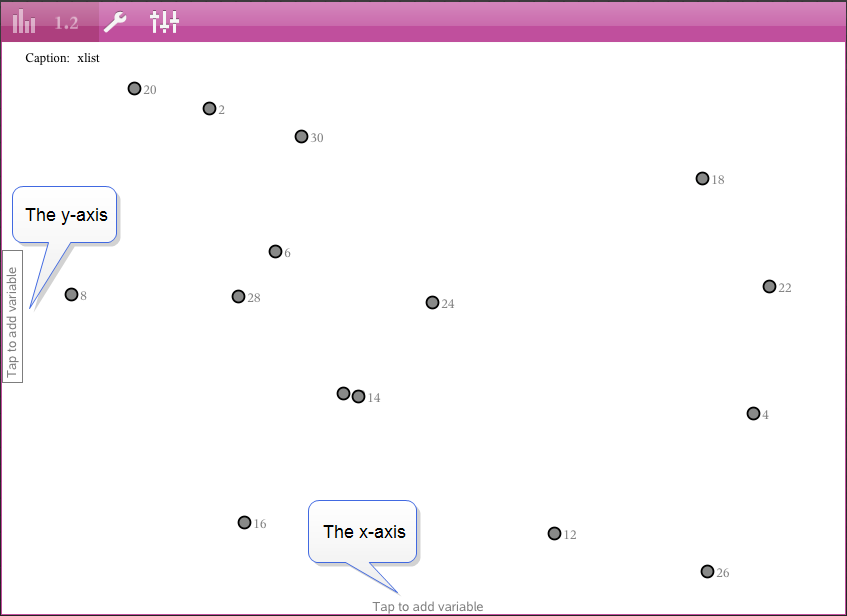
| 2. | Tap the add variable region on each axis to view defined variables. |
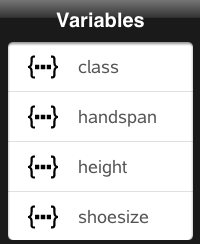
| 3. | Tap the variable name to add it to the selected axis to create a dot plot (frequency plot). |