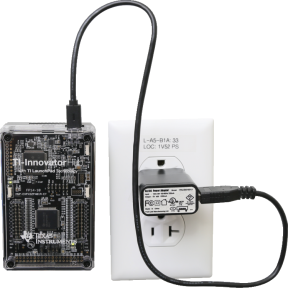
TI Wall Charger (included with the
| • | Plugs into a wall outlet. |
| • | Does not use batteries. |
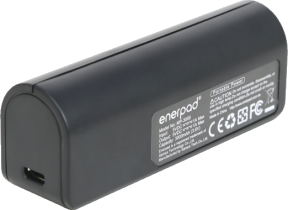
External Battery Pack (sold separately)
| • | Rechargeable. |
| • | Has On/Off button with a row of LEDs that momentarily indicate the battery charge when you turn the battery on. |
| • | Turns itself off after being disconnected from the Hub for about 3 minutes. |
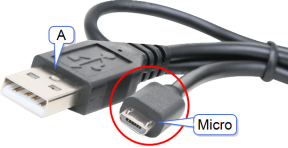
Note: To recharge the External Battery Pack, disconnect it from the Hub and then connect it to the TI Wall Charger using the USB Standard A to Micro cable. Do not use the External Battery Pack as an auxiliary power source while it is being charged.