The Graphs application can identify and label the coordinates of any existing point, provided the point was created in the Graphs application.
| 1. | From the Actions menu, select Coordinates and Equations. |
The tool appears at the top of the work area
| 2. | Tap the point whose coordinates you want to show. |
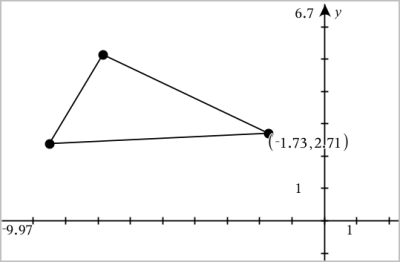
| 3. | Press Esc to close the tool. |
If you later move the point to a different location, the coordinates follow the point and update automatically.