To open an existing document:
| 1. | Click File > Open Document. |
—or—
Click  .
.
The Open dialog box opens.
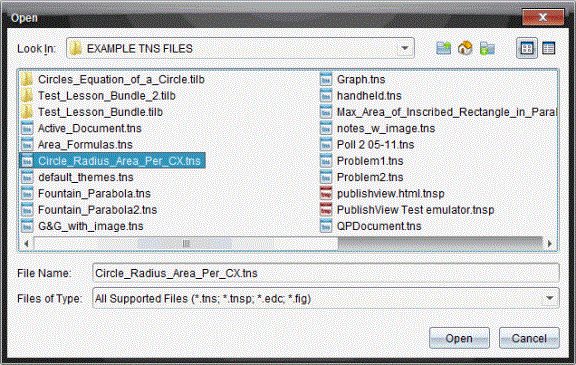
| 2. | Use the file browser to locate the file you want to open and click the file to select it. |
| 3. | Click Open. |
The document opens in the work area.
Note: To select from your 10 most recent documents, click File > Recent Documents and select a document from the drop-down list.