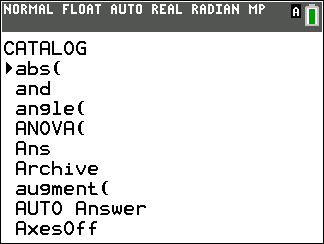
To browse and select a CATALOG item, follow these steps.
| 1. | Press y Nto display the CATALOG. |
The 4 in the first column is the selection cursor.
| 2. | Press † or } to scroll the CATALOG until the selection cursor points to the item you want. |
| • | To jump to the first item beginning with a particular letter, press that letter; alpha-lock is on. |
| • | Items that begin with a number are in alphabetical order according to the first letter after the number. For example, 2‑PropZTest( is among the items that begin with the letter P. |
| • | Functions that appear as symbols, such as +, L1, <, and $(, follow the last item that begins with Z. To jump to the first symbol, !, press [q]. |
| 3. | Press Í to paste the item to the current screen. |
Note:
| • | From the top of the CATALOG menu, press } to move to the bottom. From the bottom, press † to move to the top. |
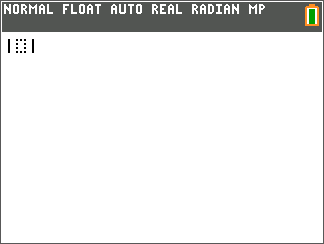
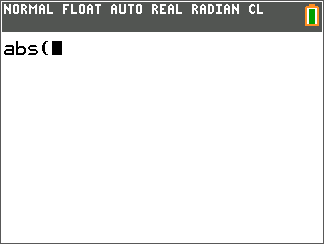
| • | When your TI‑84 Plus CE is in MathPrint™ mode, many functions will paste the MathPrint™ template on the home screen. For example, abs( pastes the absolute value template on the home screen instead of abs(. |
|
|
|