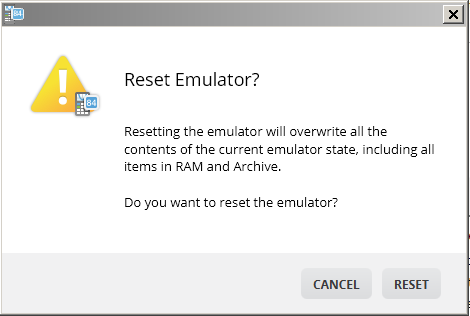
To reset the emulator:
| 1. | Click Actions. |
| 2. | Click Reset Emulator. |
| 3. | Click Reset. |
Resetting the emulator:
| • | Overwrites the current emulator state |
| • | Returns the TI-SmartView™ CE Software to the factory-default setting |
| • | Clears key press history |