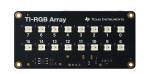
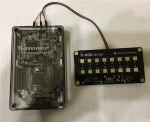
Follow these set of steps in this order to connect and use the TI-RGB Array.
Connect the TI-RGB Array to the TI-Innovator™ Hub
|
TI-RGB Array |
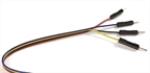
Provided Cable |
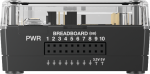
TI-Innovator™ Hub |
|---|---|---|
|
|
|
|
STEPS
| 1. | Connect one end of the provided cable to the TI-RGB Array port labeled: |

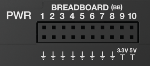
| 2. | Connect the corresponding wires to the usable pins on the Hub labeled: |
Red: 5V - power
Blue : BB5 - analog out
Yellow: BB2 - SPI signal
Black: 
|
|
|
Connect the TI-Innovator™ Hub to a Graphing Calculator
The TI‑Innovator™ Hub connects by a USB cable to a graphing calculator or computer. The connection lets the
See complete details (here).
