Measuring and Transforming Geometric Objects
Measuring Objects
| 1. | Tap Tools  , select Measurement, and select the type of measurement, such as Length. (In the Graphs application, go to Geometry > Measurement > Length.) , select Measurement, and select the type of measurement, such as Length. (In the Graphs application, go to Geometry > Measurement > Length.) |
| 2. | Tap the object you want to measure. |
|
Measurement Type |
Use to Measure... |
||||||||||||
|---|---|---|---|---|---|---|---|---|---|---|---|---|---|
|
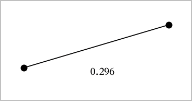
Length |
|
||||||||||||
|
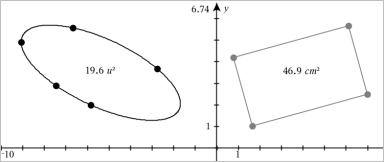
Area |
Area of a Circle, Ellipse, Polygon, Rectangle, or Triangle |
||||||||||||
|
Slope |
Slope of a Line, Ray, Segment, or Vector |
||||||||||||
|
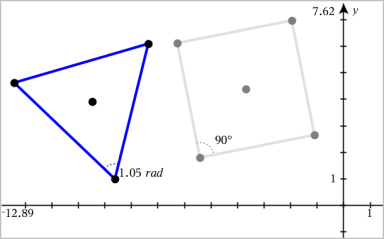
Angle |
Angles in the range from 0° to 180° (0 radians to π radians in the Graphs application) |
||||||||||||
|
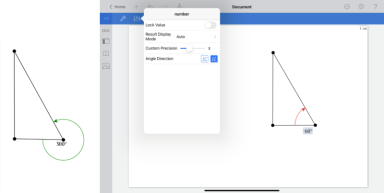
Directed Angle
|
Directed angles in the range from 0° to 360° (0 radians to 2π radians) and from -360° to 0° (-2π radians to 0 radians). |

Transforming Objects
| 1. | Tap Tools , select Transformation, and select the type of transformation, such as Symmetry. (In the Graphs application, go to Geometry > Transformation > Symmetry.) |
| 2. | Tap the object you want to transform. |
| 3. | Tap a location, existing point, or other object to create the transformation. |