To capture the calculator screen
| 1. | Navigate to the SCREEN CAPTURE page. |
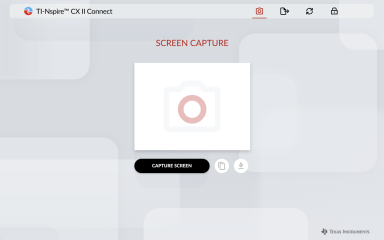
| 2. | Click the CAPTURE SCREEN button. |
The current calculator screen will display.
Note: To capture another screen, make the necessary changes on the calculator and click the CAPTURE SCREEN button again.
| 3. | Click one of the following buttons: |
 - Copies the current screen to the computer clipboard and use the image in other apps.
 - Saves the current screen to your computer.