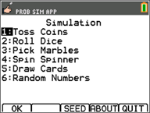
Use this activity to learn the basics of the App.
|
|
|||
|
|
|||
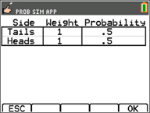
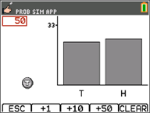
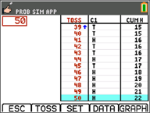
ESC to move to previous screen, TOSS to toss one coin and access more tosses, SET to get to the Settings screen (see below), DATA to store the collected data to a list, TABL to show a table of the trials, and GRPH to show a graph of the trials. You can toggle between the table and the graph. |
|
|||
|
|
|||
|
|
|||
|
|
|||
|
|
|||
|
|
|||
|
|
|||
|
|