|
|
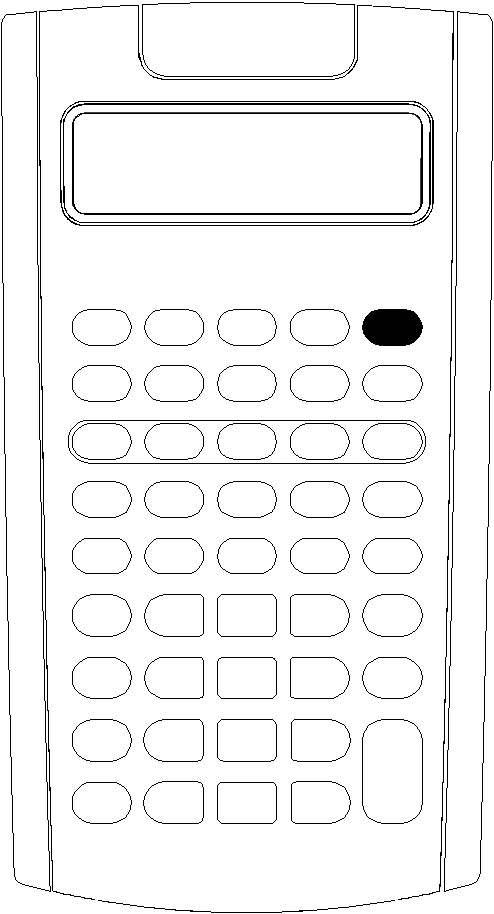
Press $.
|
•
|
If you turned off the calculator by pressing $, the calculator returns to the standard-calculator mode with a displayed value of zero. |
All worksheets and formats for numbers, angle units, dates, separators, and calculation method retain previous values and configurations.
|
•
|
If the Automatic Power Down™ (APD™) feature turned off the calculator, the calculator turns on exactly as you left it, saving display settings, stored memory, pending operations, and error conditions. |
|