Correcting Entry Errors
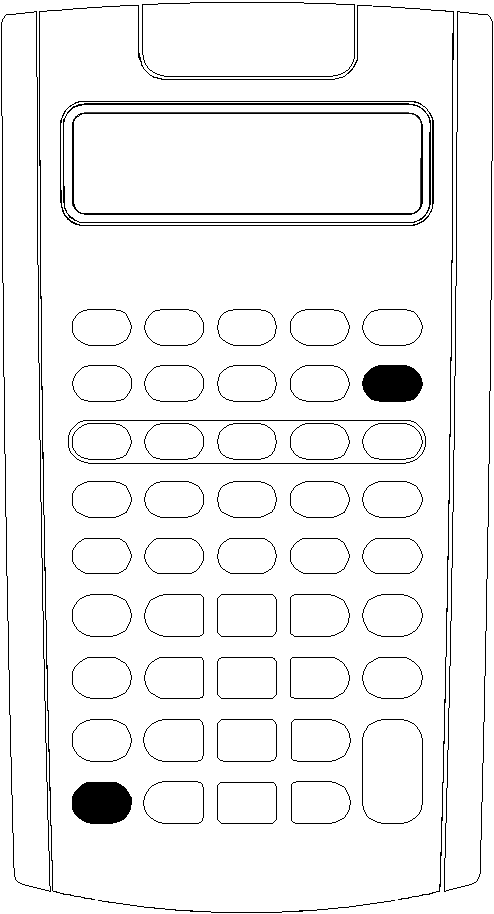
Example: You mean to calculate 3 Q 1234.56 but instead enter 1234.86.
|
To |
Press |
Display |
|
Begin the expression |
3 < |
3.00 |
|
Enter a number |
1234.86 |
1,234.86 |
|
Erase the entry error |
* * |
1,234. |
|
Key in the correct number |
56 |
1,234.56 |
|
Compute the result |
N |
3,703.68 |