|
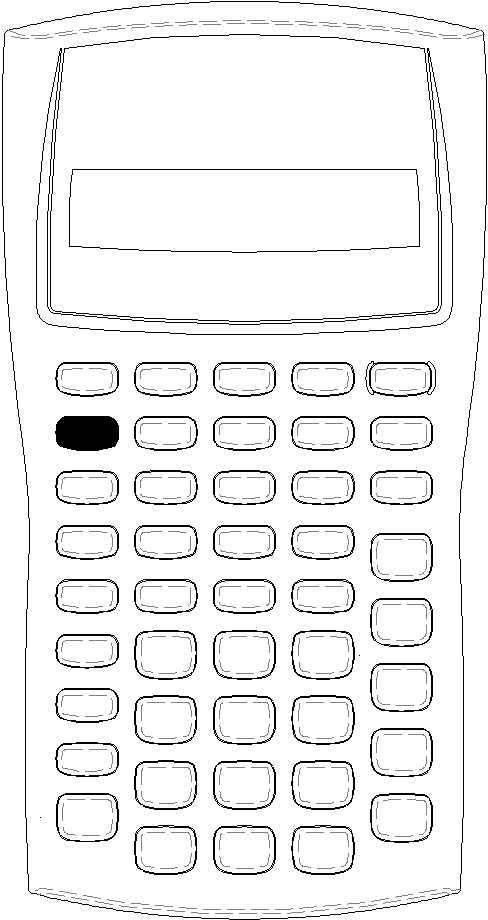
The primary function of a key is printed on the key itself. For example, the primary function of the $ key is to turn on or turn off the calculator.
Most keys include a second function printed above the key. To select a second function, press & and the corresponding key. (When you press &, the 2nd indicator appears in the upper left corner of the display.)
|