Setup: TI Bluetooth® Adapter and TI‑Nspire™ CX II handheld

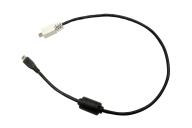
1. Identify the "micro B" connector on the cable provided
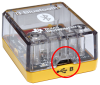
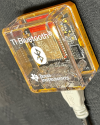
2. Insert the "micro B" connector into the B port at the bottom of the TI Bluetooth® Adapter.


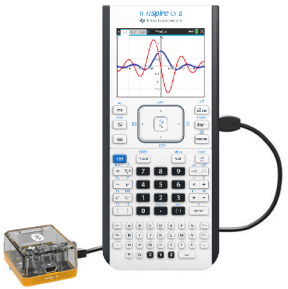
3. Insert the free end of the cable (the "A" connector) into the USB port on the calculator.

TI Bluetooth® Adapter connected to TI‑Nspire™ CX II handheld


4. Turn on the calculator if it is not already on.

The power LED on the TI Bluetooth® Adapter glows green to show that it has been recognized by the handheld and is receiving power.