TI-SmartView™ CE emulator software for the TI-84 Plus graphing family
An ideal demonstration tool for leading classroom instruction of math concepts.

An ideal demonstration tool for leading classroom instruction of math concepts.
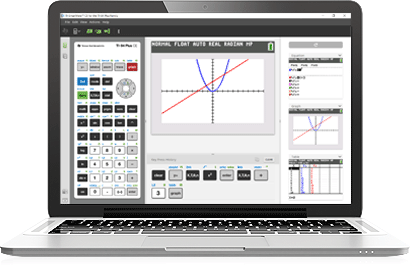

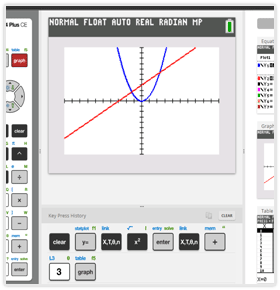
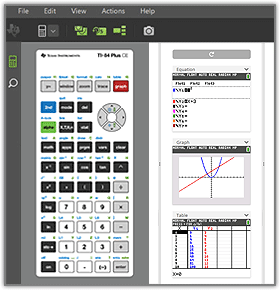
Display up to four different representations — including graph, table, equation, and data list screens — simultaneously to help students develop a deeper understanding of topics.
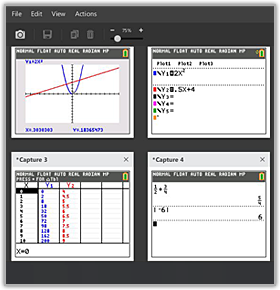
Drag screen captures from
TI-SmartView™ CE into compatible applications, such as Microsoft® Word.
The emulator software easily integrates with existing projection systems for viewing by the entire class. The location of the calculator emulator and toolbars can be customized for use on your interactive whiteboard.
Mac is a trademark of Apple Inc., registered in the U.S. and other countries. Microsoft Word is a registered trademark of its owner.


*TI-SmartView™ CE emulator software for the TI-84 Plus graphing family may not run on macOS 28 or newer. To switch your license to the TI-84 Plus CE online calculator, call 1.800.TI.CARES (1.800.842.2747).


Intel is a trademark of the Intel Corporation or its subsidiaries. Apple, Mac and Rosetta are trademarks of Apple, Inc., registered in the U.S. and other countries and regions. Windows is a registered trademark of the Microsoft group of companies.

